

Package Exports
- react-keyboard
This package does not declare an exports field, so the exports above have been automatically detected and optimized by JSPM instead. If any package subpath is missing, it is recommended to post an issue to the original package (react-keyboard) to support the "exports" field. If that is not possible, create a JSPM override to customize the exports field for this package.
Readme
Introduction
react-keyboard is wrap of mousetrap.js in React, it offers keyboard shortcuts handling in React application.
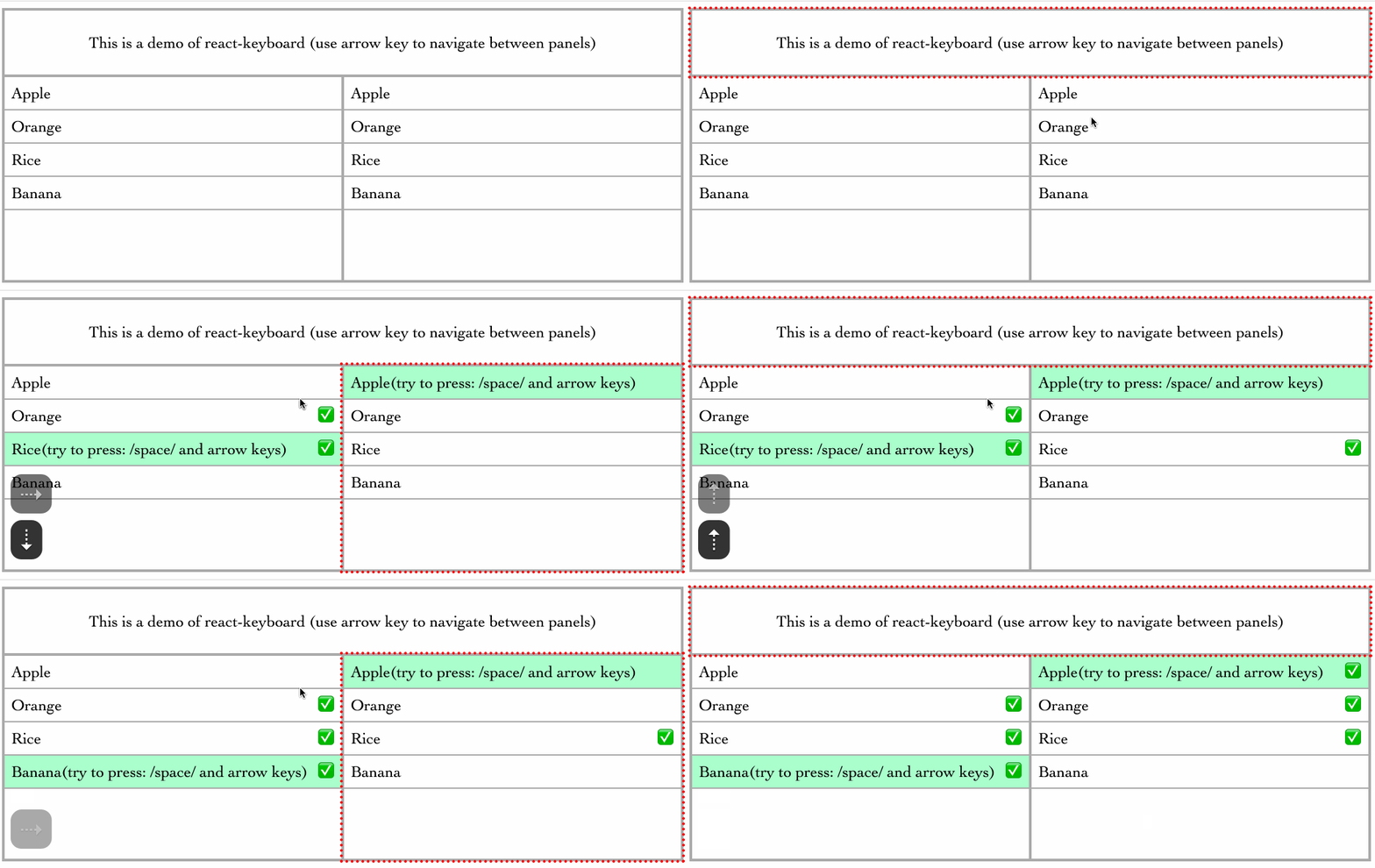
Getting started
Install
npm install react-keyboardUsage Example
Defined keyMap
const keyMap = {
  cmdK: {
    combo: 'command+k',
    eventType: 'keyup',
  },
  deleteNode: ['del', 'backspace'],
  left: 'left',
}
A KeyMap is an object which value is the key sequence. The key sequence can be:
stringwhich can be a single keyleftor combination of keyscommand+karraywhich is an array of multiple key commands:['del', 'backspace']objectonly use an object if you need to listen to specific event type:{combo: 'command+k', eventType: 'keyup'}
Use HotKeys Component
import { HotKeys, Handlers } from 'react-keyboard'

export class MyHotKeys extends React.Component {

  showDocumentation = () => {
    console.log('show doc')
  }
  deleteNode = () => {
    console.log('deleted')
  }
  moveLeft = () => {
    console.log('move left')
  }
  showChildDocumentation = () => {
    console.log('show child doc')
  }

  handlersParent = {
    cmdK: this.showDocumentation,
    deleteNode: this.deleteNode,
  }

  handlersChild = {
    cmdK: this.showChildDocumentation,
    left: this.moveLeft,
  }

  render() {
    return <HotKeys keyMap={keyMap} handlers={this.handlersParent}>
      <span>this is my hotkeys</span>
      <HotKeys handlers={this.handlersChild}>A child</HotKeys>
    </HotKeys>
  }
}
Note: Child HotKeys components can inherit keyMap from their parents. You don't necessarily define keyMap for each child if parents already have the shortcuts you need.