
Package Exports
- react-native-markdown-package
This package does not declare an exports field, so the exports above have been automatically detected and optimized by JSPM instead. If any package subpath is missing, it is recommended to post an issue to the original package (react-native-markdown-package) to support the "exports" field. If that is not possible, create a JSPM override to customize the exports field for this package.
Readme
React Native Markdown Package
React Native Markdown Package is a library for implementing markdown syntax in React Native.
Getting started
To install this library, you can easily run this command from your project folder.
npm i react-native-markdown-package --save
Check this simple app for implementation example Example app
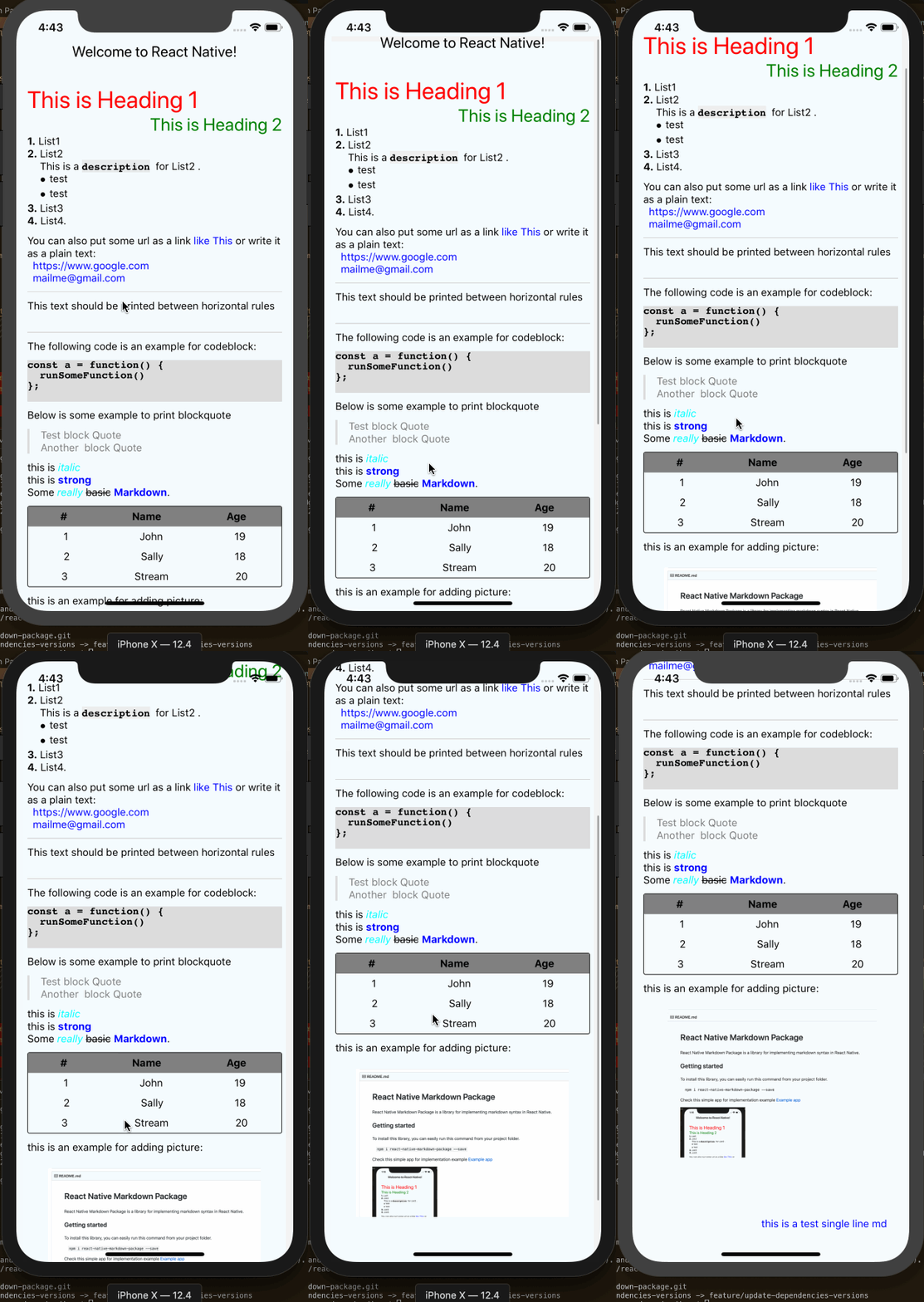
How to use
What you need to do is import the react-native-markdown-package module and then use the
<Markdown/> tag.
How to use?
Here we are, take a look at this simple implementation:
/**
* Sample React Native App
* https://github.com/facebook/react-native
*
* @format
* @flow
*/
import React from 'react';
import {
StyleSheet,
ScrollView,
View,
Text,
Linking
} from 'react-native';
import {
Colors,
} from 'react-native/Libraries/NewAppScreen';
import Markdown from 'react-native-markdown-package';
const text = `
# This is Heading 1
## This is Heading 2
1. List1
2. List2
This is a \`description\` for List2 .\n
* test
* test
3. List3
4. List4.
You can also put some url as a link [like This](https://www.google.com) or write it as a plain text:
https://www.google.com
<mailme@gmail.com>
---
This text should be printed between horizontal rules
---
The following code is an example for codeblock:
const a = function() {
runSomeFunction()
};
Below is some example to print blockquote
> Test block Quote
> Another block Quote
this is _italic_
this is **strong**
Some *really* ~~basic~~ **Markdown**.
| # | Name | Age
|---|--------|-----|
| 1 | John | 19 |
| 2 | Sally | 18 |
| 3 | Stream | 20 |
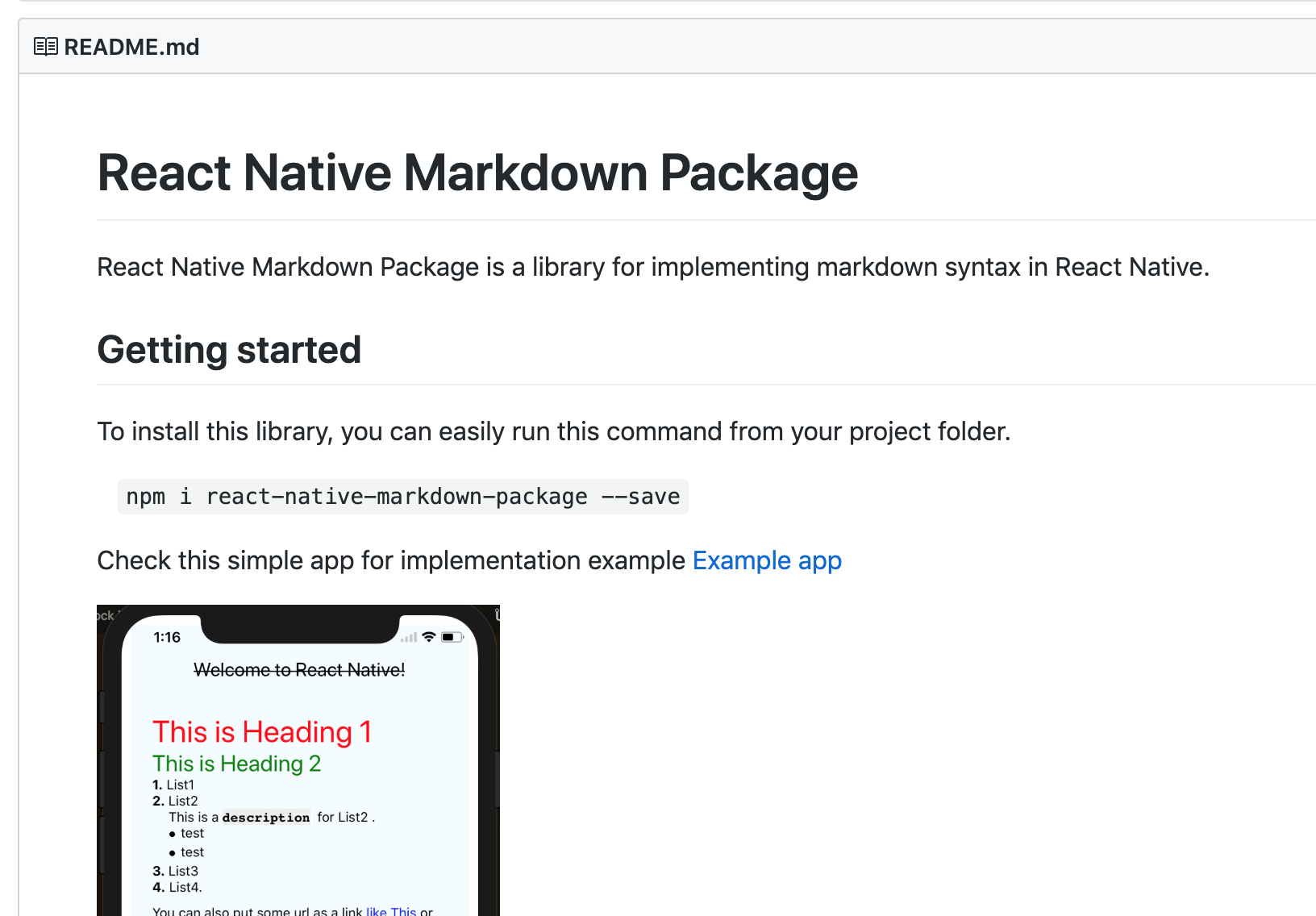
this is an example for adding picture:
`;
const App: () => React$Node = () => {
return (
<ScrollView
contentInsetAdjustmentBehavior="automatic"
style={styles.scrollView}>
<View style={styles.container}>
<Text style={styles.welcome}>
Welcome to React Native!
</Text>
<Markdown
styles={msrkdownStyle}
onLink={(url) => Linking.openURL(url)}
>
{ text }
</Markdown>
<Markdown
styles={singleStyle}
>
this is a test single line md
</Markdown>
</View>
</ScrollView>
);
}
const singleStyle = {
text: {
color: 'blue',
textAlign: "right"
},
view: {
alignSelf: 'stretch',
}
};
const msrkdownStyle = {
heading1: {
color: 'red'
},
heading2: {
color: 'green',
textAlign: "right"
},
strong: {
color: 'blue'
},
em: {
color: 'cyan'
},
text: {
color: 'black',
},
blockQuoteText: {
color: 'grey'
},
blockQuoteSection: {
flexDirection: 'row',
},
blockQuoteSectionBar: {
width: 3,
height: null,
backgroundColor: '#DDDDDD',
marginRight: 15,
},
codeBlock: {
fontFamily: 'Courier',
fontWeight: '500',
backgroundColor: '#DDDDDD',
},
tableHeader: {
backgroundColor: 'grey',
},
};
const styles = StyleSheet.create({
container: {
flex: 1,
justifyContent: 'center',
alignItems: 'center',
backgroundColor: '#F5FCFF',
margin: 10,
padding:20
},
scrollView: {
backgroundColor: Colors.lighter,
},
welcome: {
fontSize: 20,
textAlign: 'center',
},
instructions: {
textAlign: 'center',
color: '#333333',
marginBottom: 5,
}
});
export default App;
Properties
styles
Default style properties will be applied to the markdown. You could replace it with your preference by adding styles property like the example above.
onLink
This prop will accept a function. This is a callback function for any link inside markdown syntax, so you could costumize the handler for onClick event from the link.
NOTE : Email link (mailto) could be tested on real device only, it won't be able to test on Simulator as discuss in this StackOverflow
Thanks To
I'm very thankful to contributors who help me to make this libary better, and also this project was actually forked from lwansbrough , with some enhancements below :
Styling method.
Now you can easily add styling on each syntax, e.g. add different color either in
strong,header, or another md syntax. All default styles in this package is also already moved to new filestyles.js.Refactoring some codes to adopt ES6 style.
Refactor index.js using ES6. :)
Support
Sublist.In the previous library, you couldn't add sublist. It was not supported. But now, this feature already added here. Please follow the instruction above...
Latest release:
add Proptypes Support, (1.0.1)
Fix deprecated View.proptypes and update Readme (1.0.3)
Upgrade dependency, lodash, avoid vulnerabilities (1.1.0)
Fix performance issue, import only necessarry function from lodash (1.1.1)
Finalize Blockquote feature (1.2.0)
Update Docs (1.2.1)
Allow user to include plain text from variable using back tick (1.3.3)
New feature, codeblock (1.4.0)
New feature, on link handler (1.4.3)
Bug fix, Strike through issue (1.4.4)
Default Style for outer View, remove deprecated ComponentWillMount (1.5.0)
Happy Coding... ;)