
Package Exports
- react-native-navigation-drawer-extension
This package does not declare an exports field, so the exports above have been automatically detected and optimized by JSPM instead. If any package subpath is missing, it is recommended to post an issue to the original package (react-native-navigation-drawer-extension) to support the "exports" field. If that is not possible, create a JSPM override to customize the exports field for this package.
Readme
React Native Navigation Drawer Extension
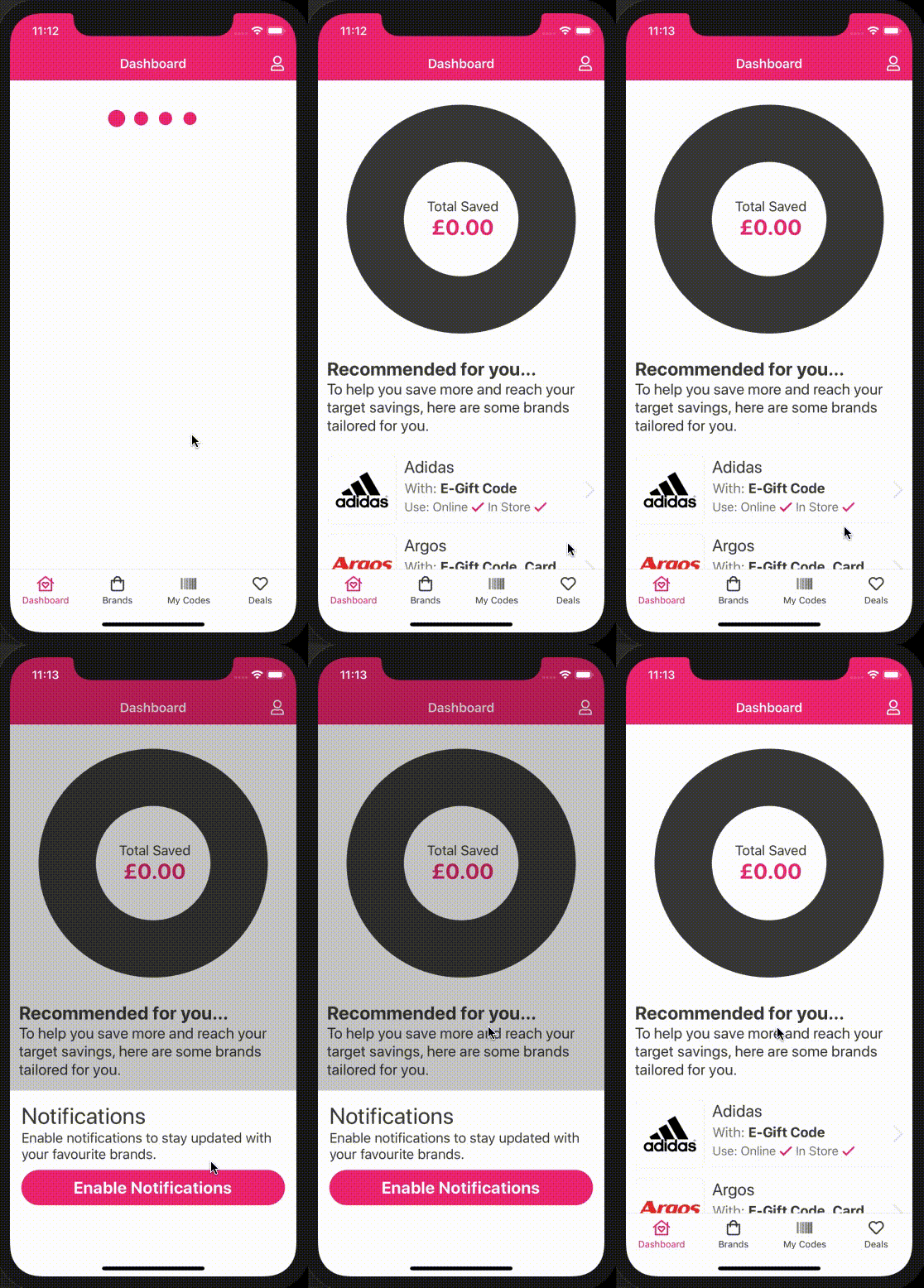
React Native Navigation by Wix does not offer an in-built solution for displaying a drawer on iOS. Their current side-menu has limited functionality on both iOS and Android. This is a drawer solution using showOverlay under the hood to display a drawer on iOS and Android.



Install
npm install react-native-navigation-drawer-extension --saveor
yarn add react-native-navigation-drawer-extensionUsage
You need to register your drawer component with RNN. To do this use the register method and wrap your component in the RNNDrawer HOC.
import { Navigation } from "react-native-navigation";
import { RNNDrawer } from "react-native-navigation-drawer-extension";

// register our drawer component with RNN
Navigation.registerComponent("CustomDrawer", () => RNNDrawer.create(CustomDrawer));
You can then use the drawer by calling a custom method. The showDrawer method
will take a single parameter options identical to showOverlay.
import { RNNDrawer } from "react-native-navigation-drawer-extension";

RNNDrawer.showDrawer({
  component: {
    name: "CustomDrawer",
    passProps: {
      animationOpenTime: 300,
      animationCloseTime: 300,
      direction: "left",
      dismissWhenTouchOutside: true,
      fadeOpacity: 0.6,
      drawerScreenWidth: "75%" || 445, // Use relative to screen '%' or absolute
      drawerScreenHeight: "100%" || 700,
      style: { // Styles the drawer container, supports any react-native style
        backgroundColor: "red",
      },
      parentComponentId: this.props.componentId, // Custom prop, will be available in your custom drawer component props
    },
  }
});
```

```js
RNNDrawer.dismissDrawer();
To navigate from the drawer you must pass the parent componentId and use that to navigate. e.g:
// From drawer component
Navigation.push(parentComponentId, {
  component: {
    name: "CustomScreenFromDrawer",
  },
});
Props
The props below are used to configure the drawer and are to be used in RNN passProps:. Any aditional
props will be passed to your custom drawer component.
| Prop | Type | Optional | Default | Description |
|---|---|---|---|---|
| animationOpenTime | float | Yes | 300 | Time in milliseconds to execute the drawer opening animation. |
| animationCloseTime | float | Yes | 300 | Time in milliseconds to execute the drawer closing animation. |
| direction | string | Yes | left | Direction to open the collage, one of: ["left", "right", "top", "bottom"]. |
| dismissWhenTouchOutside | bool | Yes | true | Should the drawer be dismissed when a click is registered outside? |
| fadeOpacity | number | Yes | 0.6 | Opacity of the screen outside the drawer. |
| drawerScreenWidth | number | Yes | 0.8 | 0 - 1, width of drawer in relation to the screen. |
| drawerScreenHeight | number | Yes | 1 | 0 - 1, height of drawer in relation to the screen. |
SideMenuView

The library also exposes a component which will allow you to open the drawer by either swiping the left or right gutter of the phone. This is achieved by using event listeners
to communicate with the RNNDrawer HOC component. To enable this feature wrap your screen with the SideMenuView component. <SideMenuView> is just an enhanced <View> all props are passed down to <View>.
import { SideMenuView } from "react-native-navigation-drawer-extension";

<SideMenuView
  style={{ flex: 1 }}
  right={() => Navigation.showDrawer({
    component: {
      name: "CustomDrawer",
      passProps: {
       direction: "right"
      }
    }
  })}
 >
  {...}
 </SideMenuView>
Props
| Prop | Type | Optional | Default | Description |
|---|---|---|---|---|
| left | func | Yes | Function which is executed when the left gutter is swiped. | |
| right | func | Yes | Function which is executed when the right gutter is swiped. | |
| swipeSensitivity | number | Yes | 0.2 | The sensitivity of the swipe to invoke each function. |
| sideMargin | number | Yes | 15 | The size of the gutter for both sides. |
| sideMarginLeft | number | Yes | The size of the gutter for the left side. | |
| sideMarginRight | number | Yes | The size of the gutter for the right side. |