
Package Exports
- react-native-sms-verifycode
This package does not declare an exports field, so the exports above have been automatically detected and optimized by JSPM instead. If any package subpath is missing, it is recommended to post an issue to the original package (react-native-sms-verifycode) to support the "exports" field. If that is not possible, create a JSPM override to customize the exports field for this package.
Readme
Screen Capture
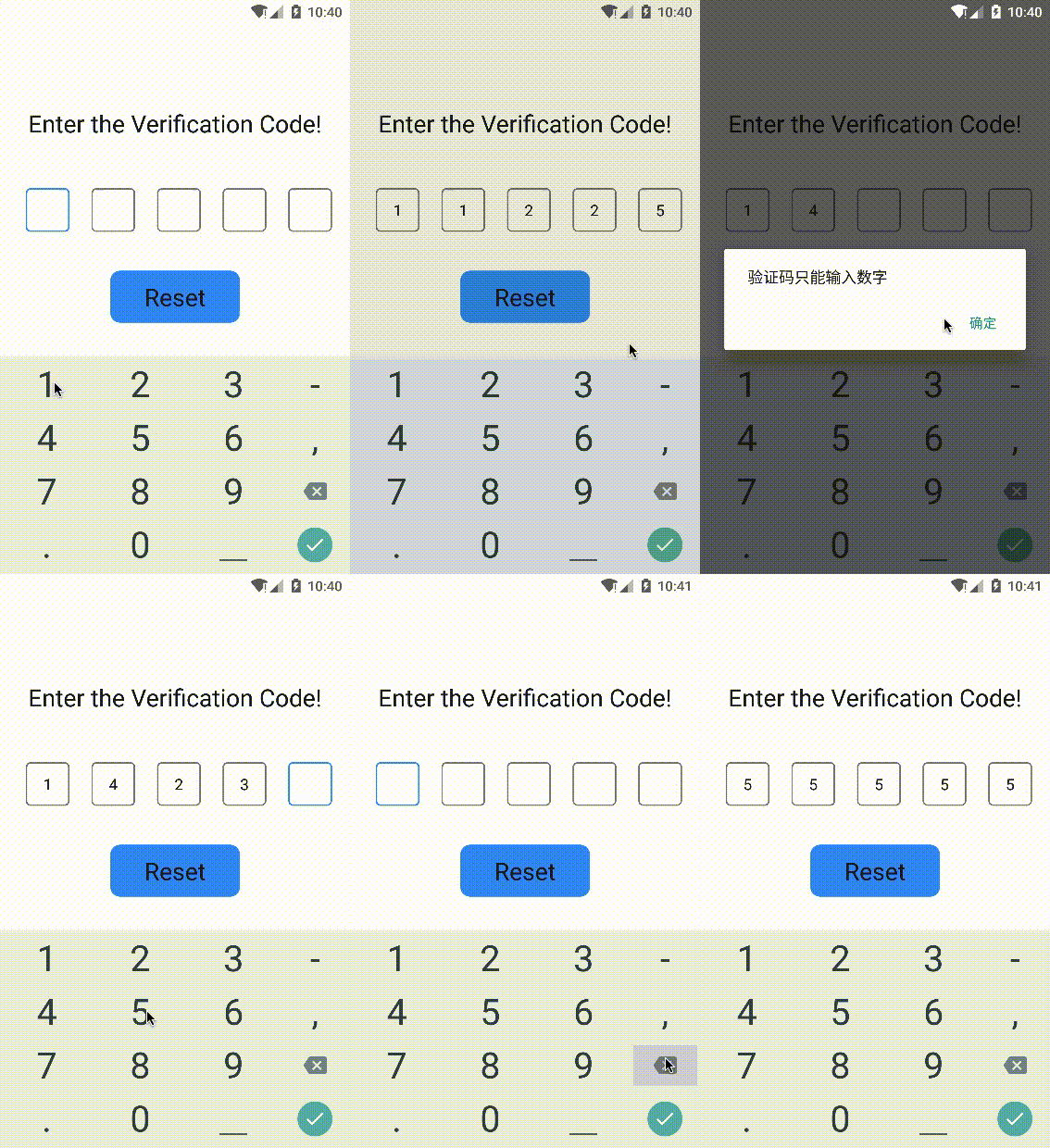
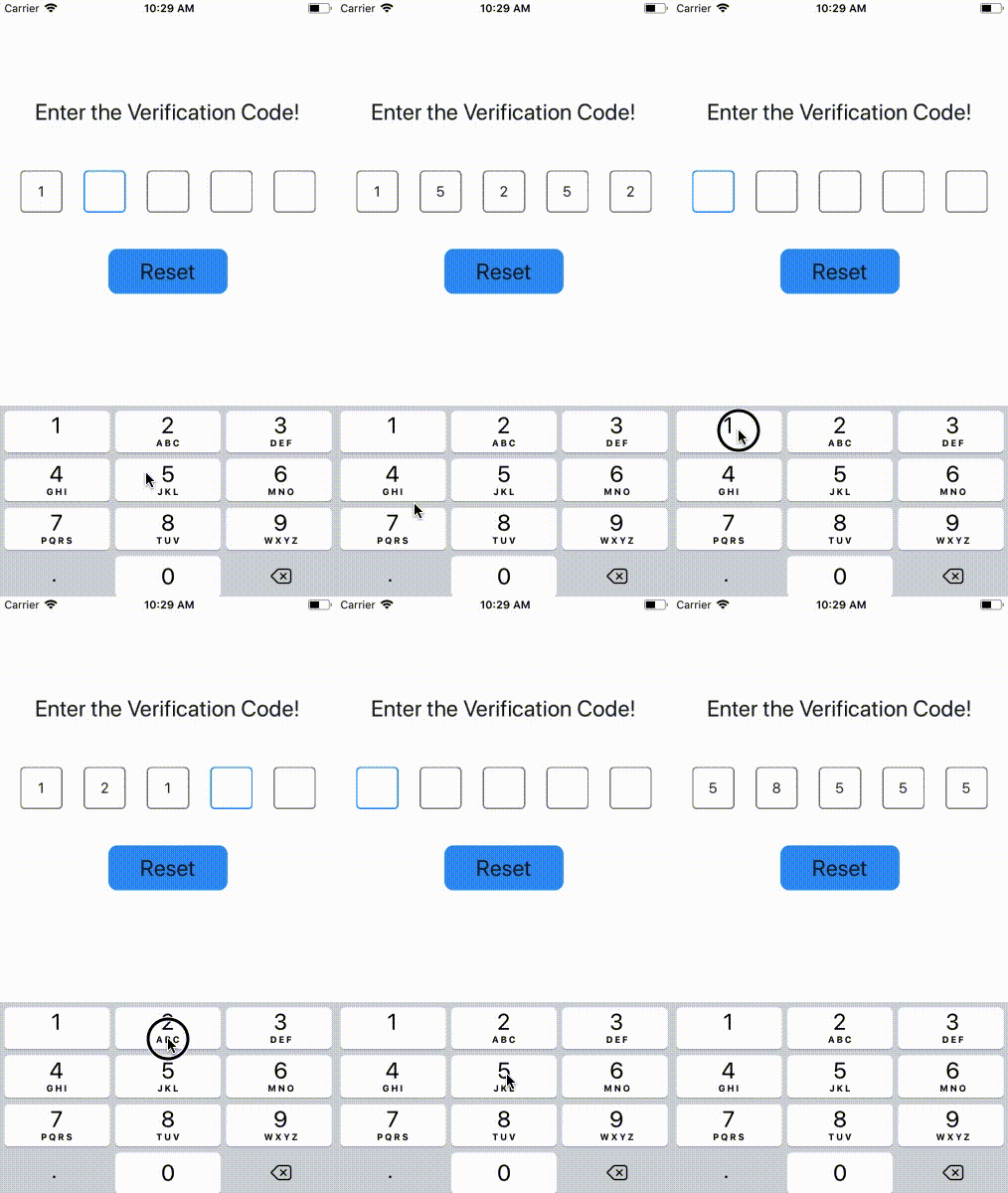
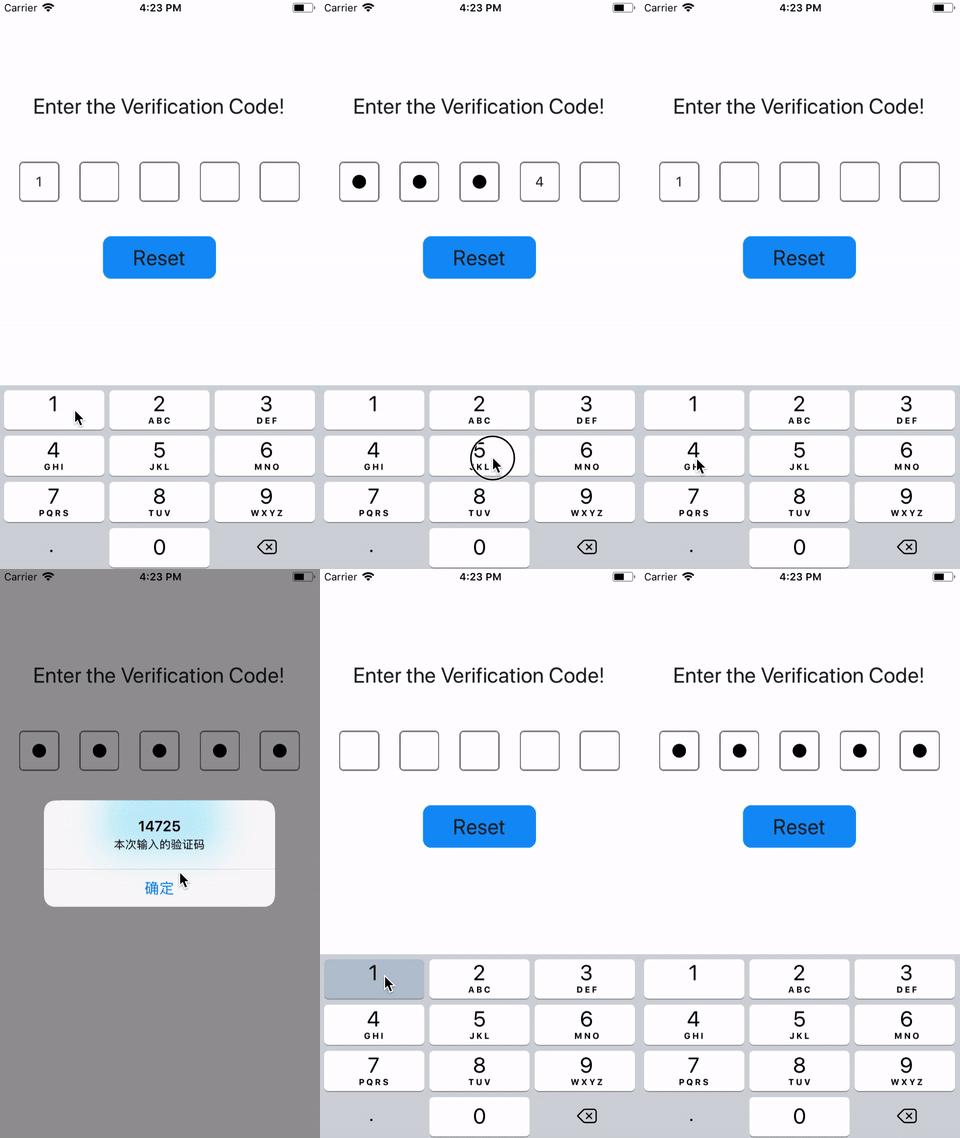
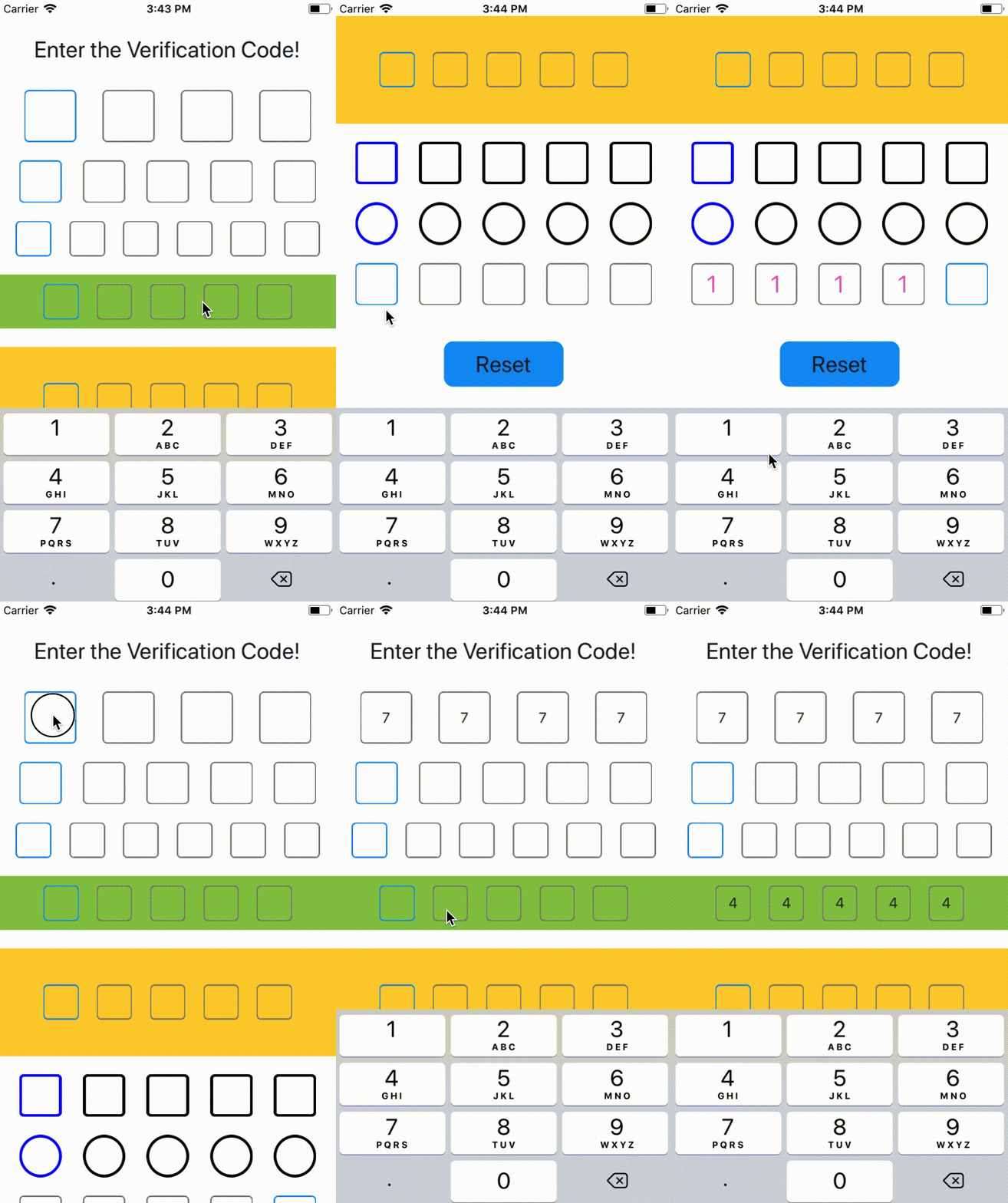
支持输入密码,兼容了 iOS 和 Android
 |
 |
 |
|---|---|---|
| on Android | on iOS | use Password |
在线Demo查看地址 Expo
Installation
$ npm install react-native-sms-verifycode --saveUsage
Basic Usage
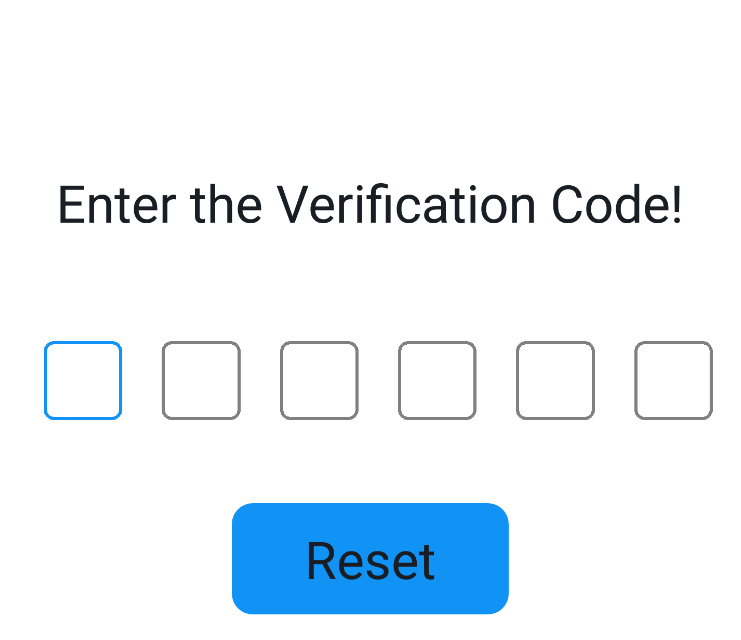
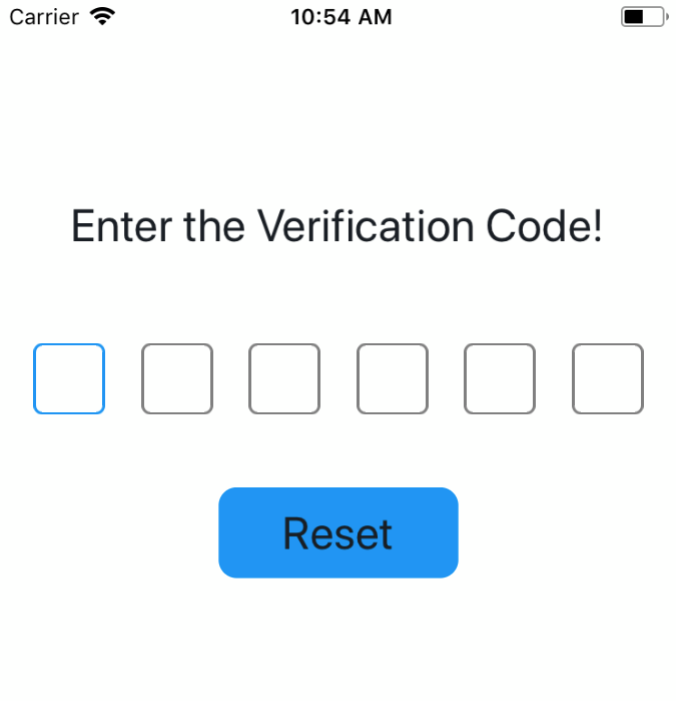
设置输入完成时的回调函数,即可获取用户输入的内容
import SMSVerifyCode from 'react-native-sms-verifycode'
...
<SMSVerifyCode
  ref={ref => (this.verifycode = ref)}
  onInputCompleted={this.onInputCompleted}
/>

onInputCompleted = (text) => {
    Alert.alert(
      text,
      '本次输入的验证码',
      [
      	{
          text: '确定',
        },
      ]
    )
}

reset = () => {
    this.verifycode.reset()
    this.setState({codeText: ''})
}
...  |
 |
 |
|---|
Advanced Usage
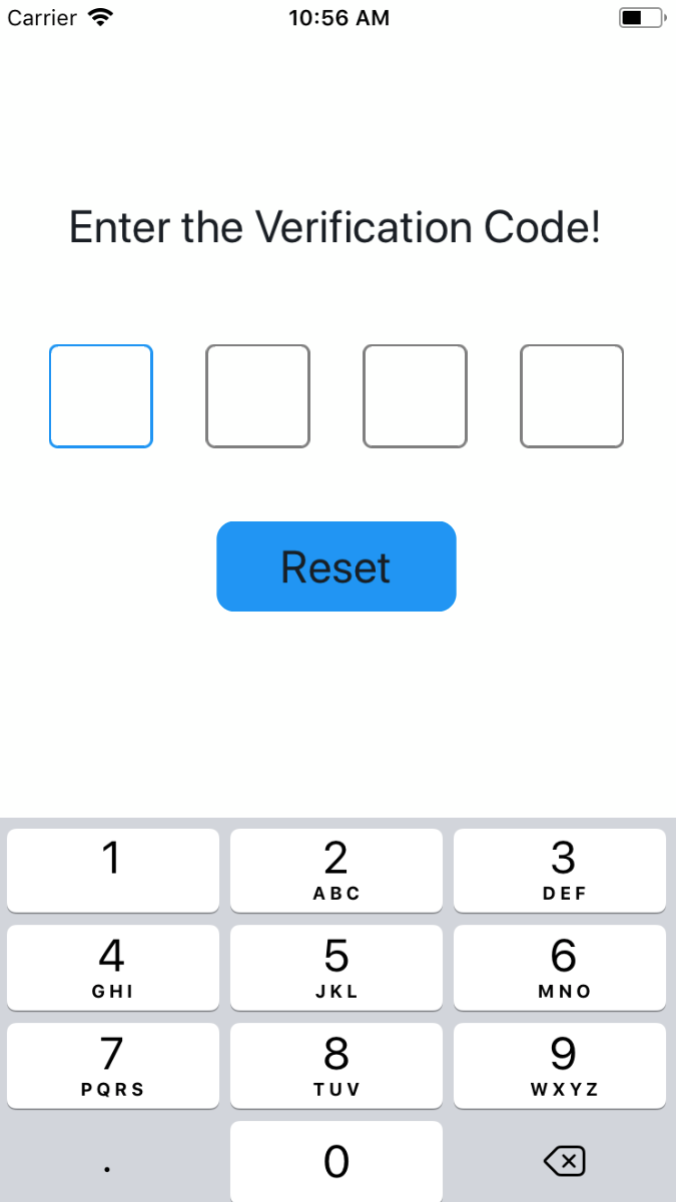
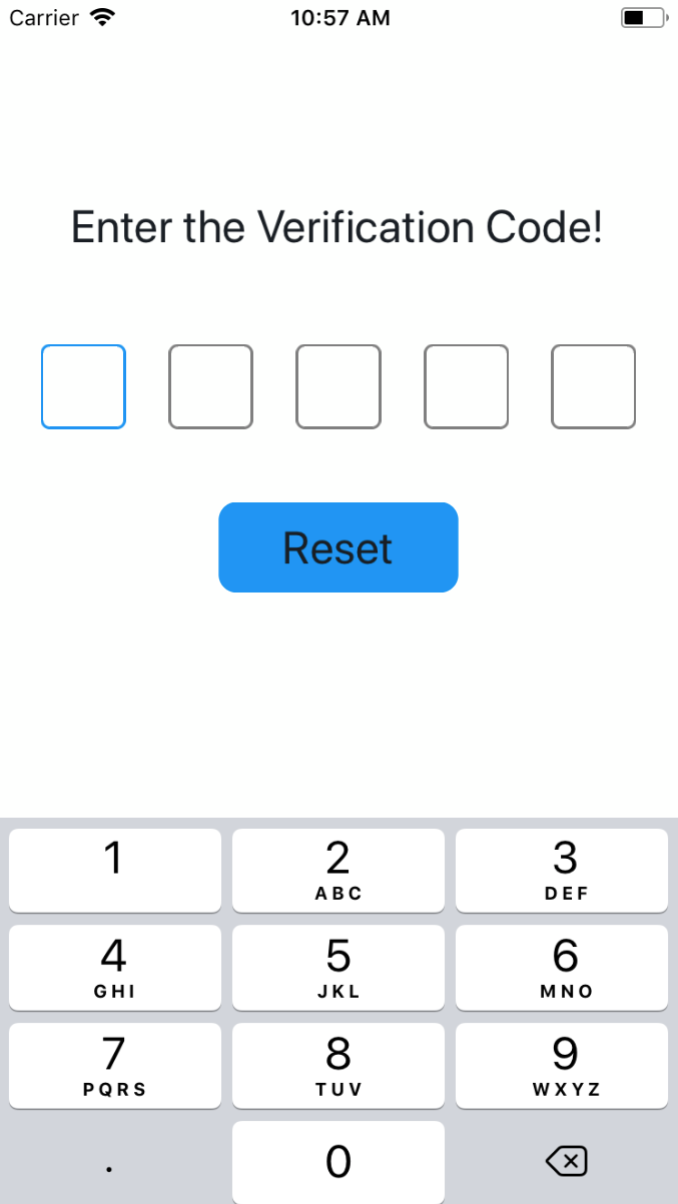
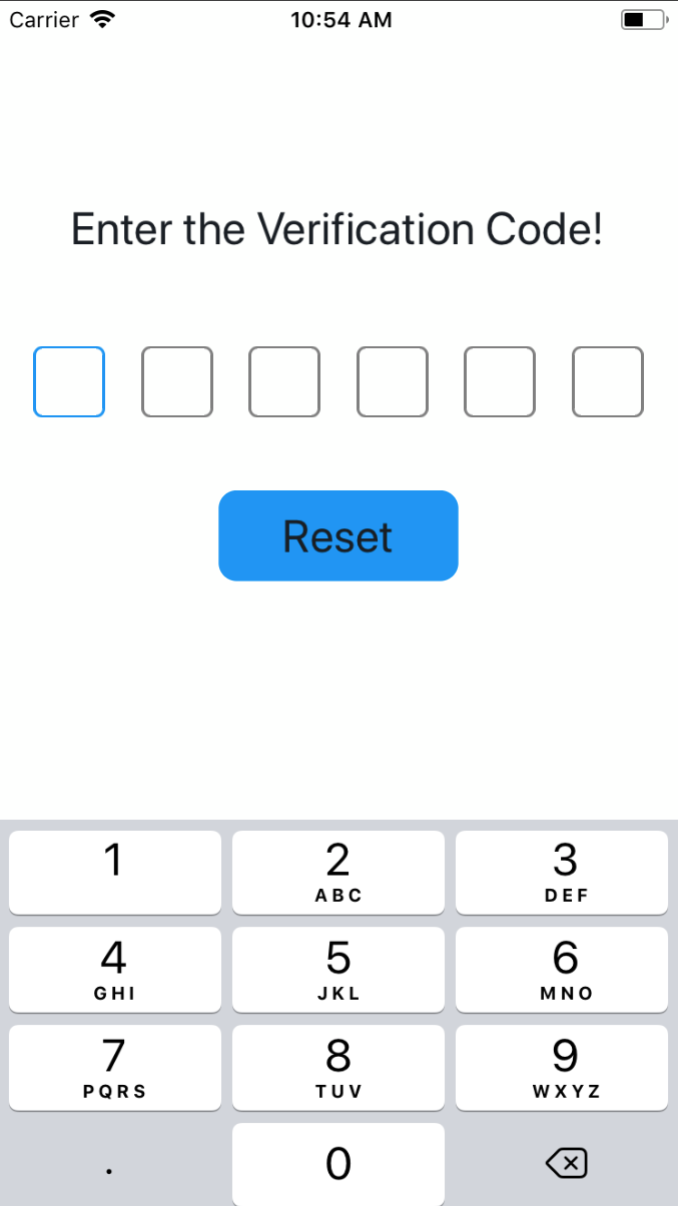
设置验证码的个数
import SMSVerifyCode from 'react-native-sms-verifycode'
...
<SMSVerifyCode
  verifyCodeLength={4} // 根据需要设置任意数,类型必须时number
/> |
 |
 |
|---|
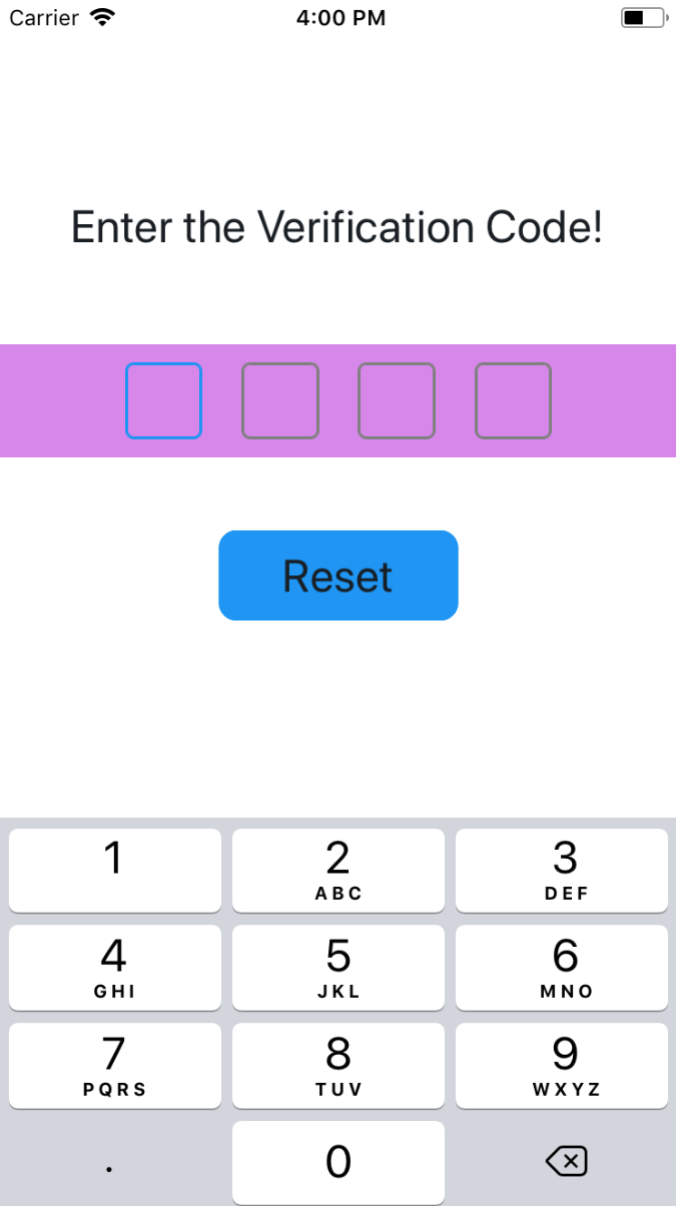
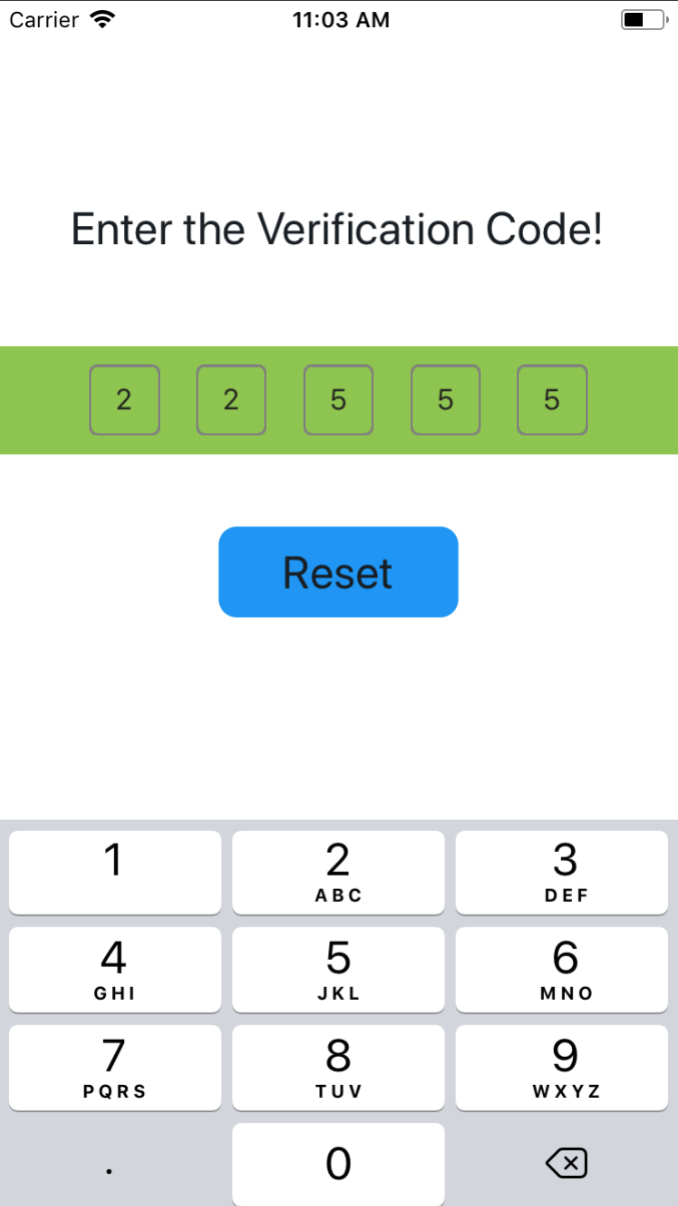
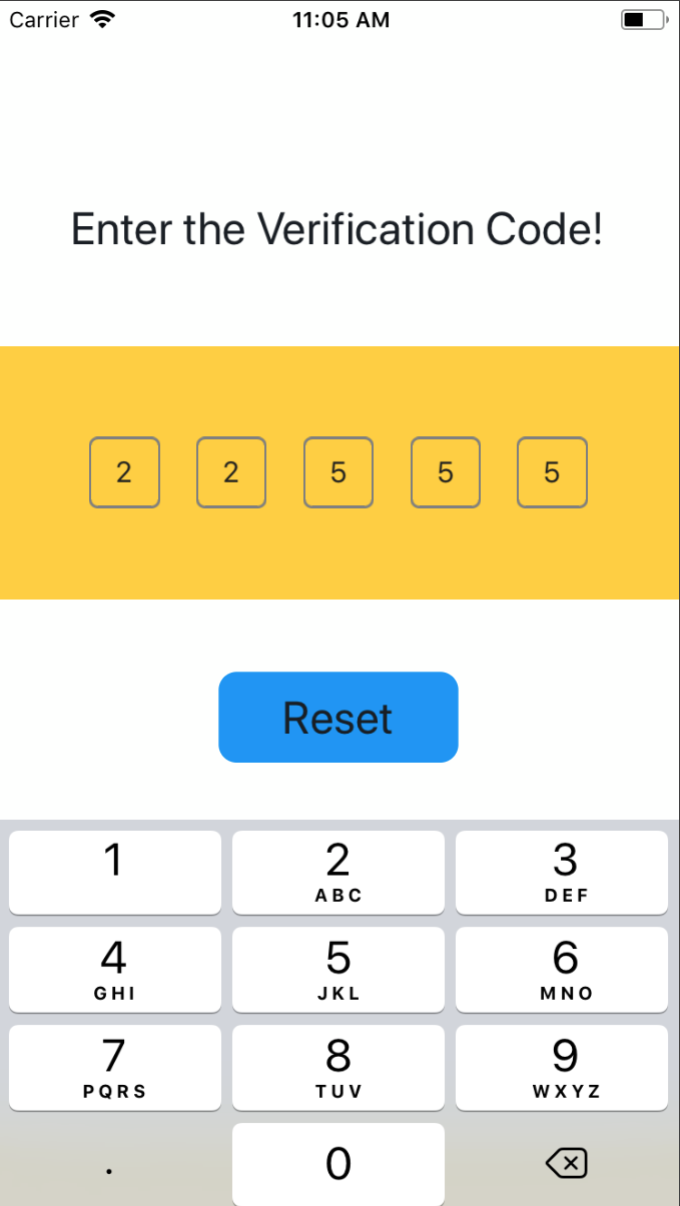
设置Container样式
import SMSVerifyCode from 'react-native-sms-verifycode'
...
<SMSVerifyCode
  verifyCodeLength={5}
  containerPaddingVertical={10}
  containerPaddingHorizontal={50}
  containerBackgroundColor={'#8DC647'}
/>
...  |
 |
 |
|---|
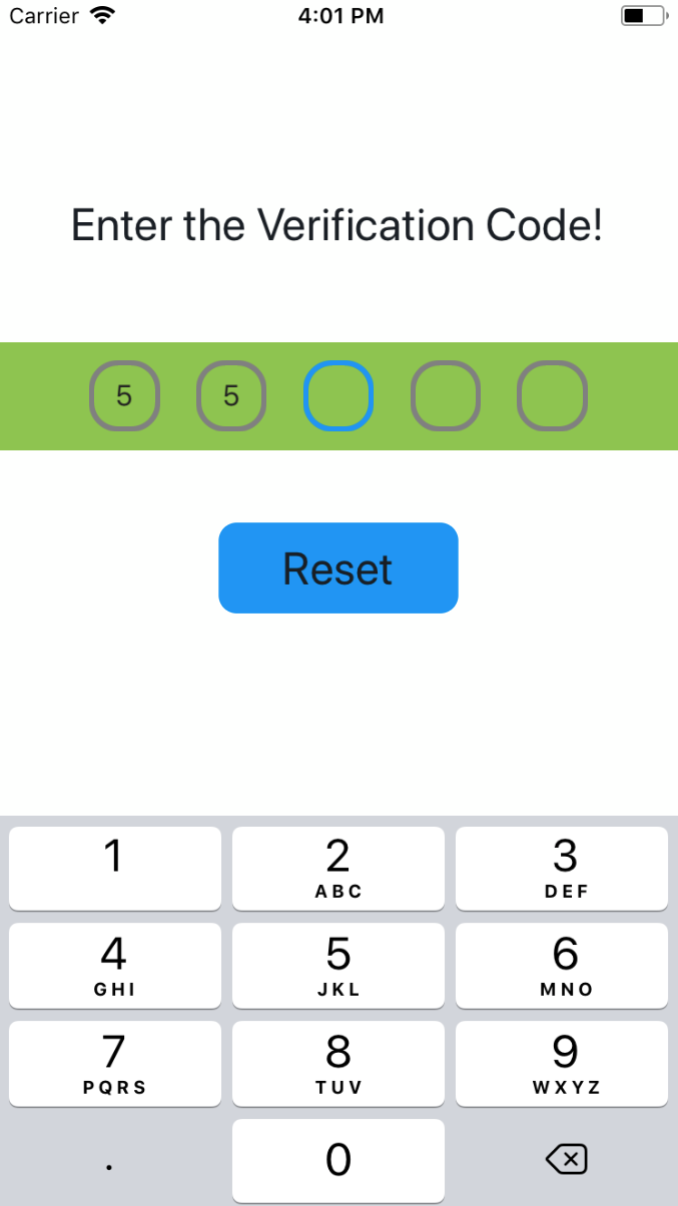
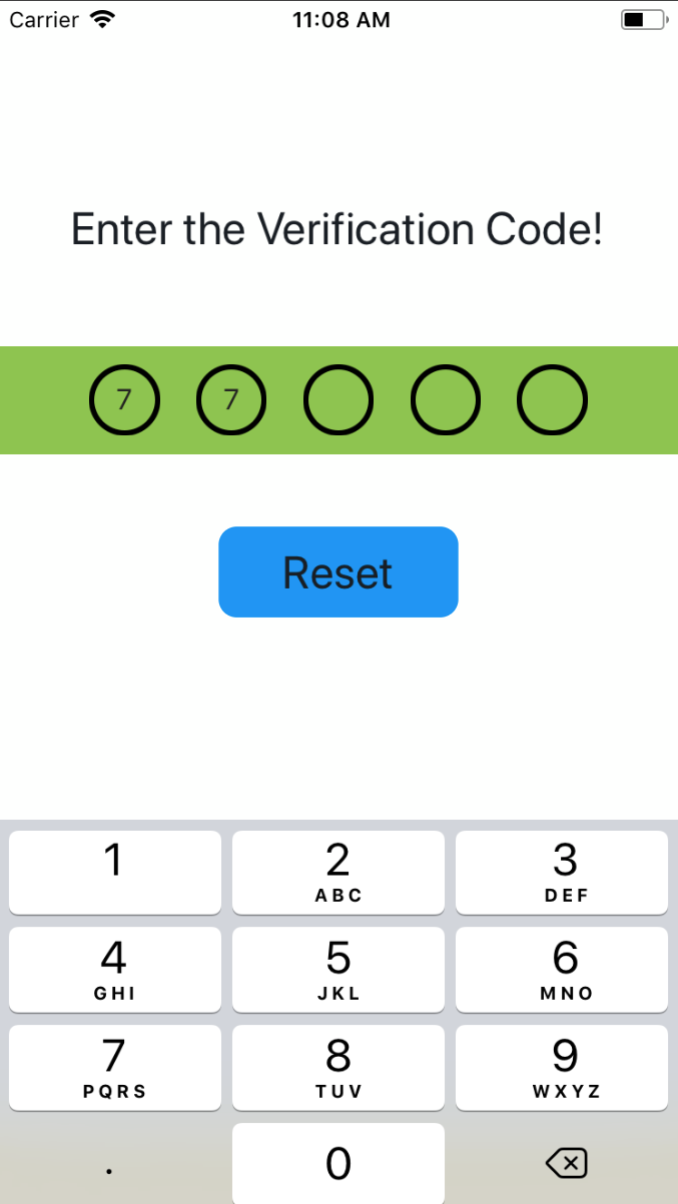
设置文本框的样式
import SMSVerifyCode from 'react-native-sms-verifycode'
...
<SMSVerifyCode
  verifyCodeLength={5}
  containerPaddingVertical={10}
  containerPaddingHorizontal={50}
  containerBackgroundColor={'#8DC647'}
  codeBorderColor={'#000000'}
  codeFocusedBorderColor={'#0000FF'}
  codeBorderWidth={3}
  // codeBorderRadius={26}
/>
... 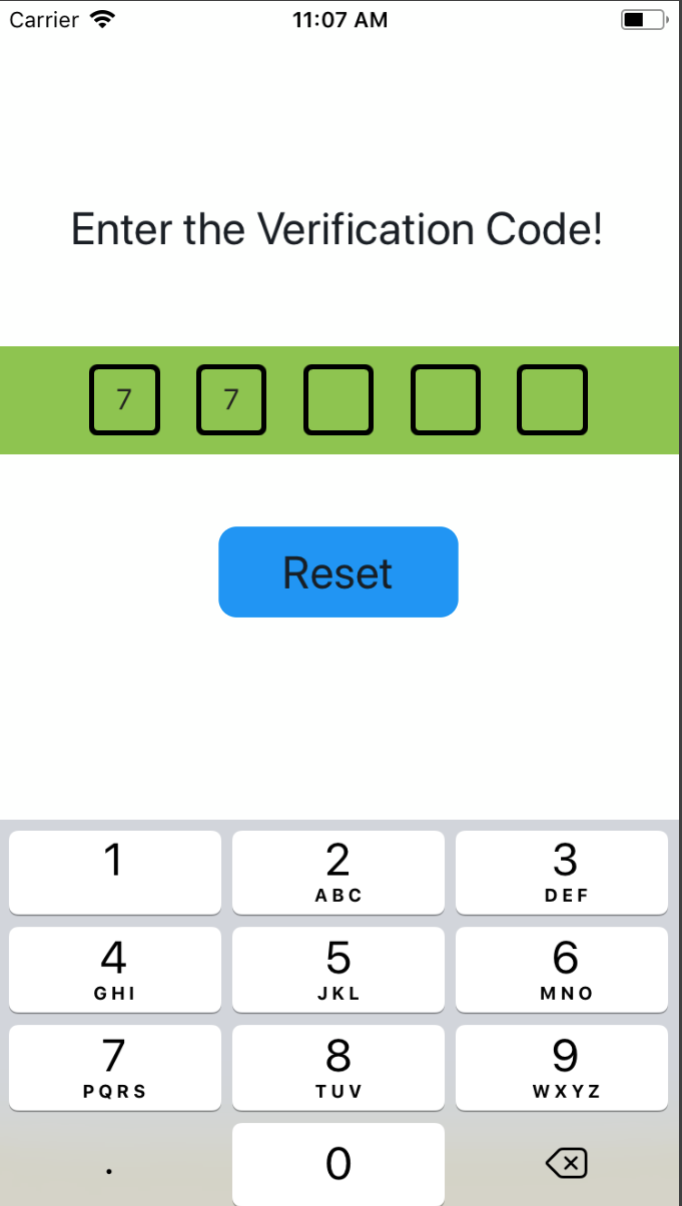 |
 |
 |
|---|
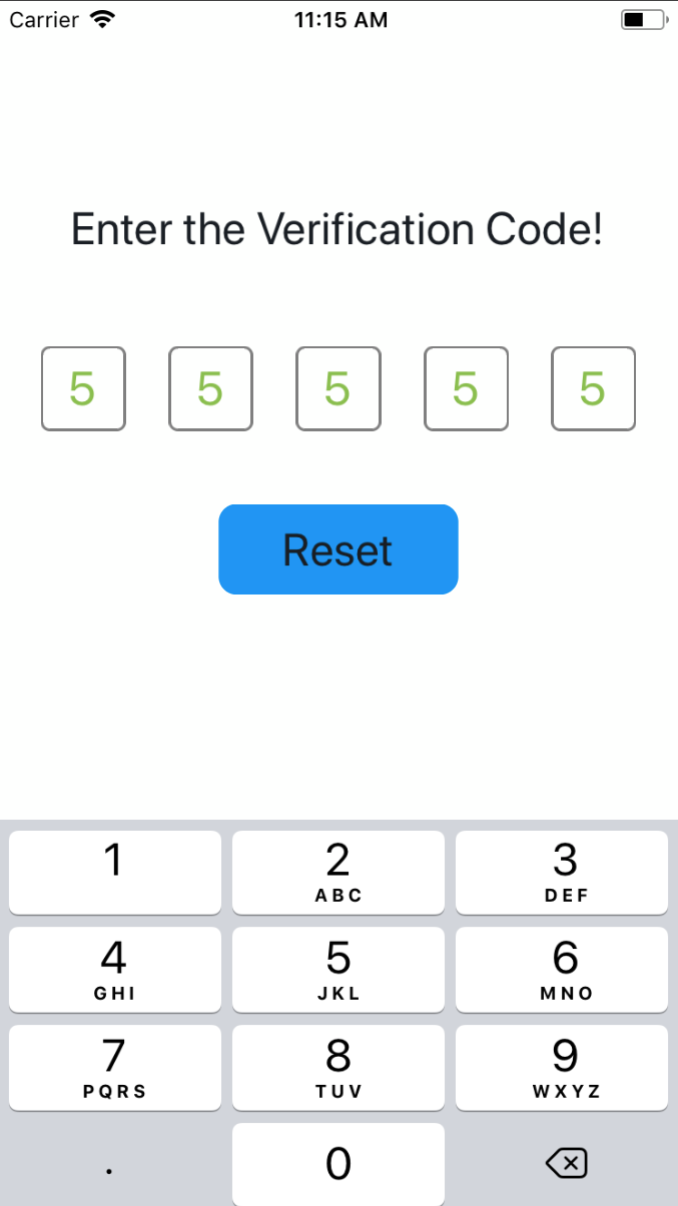
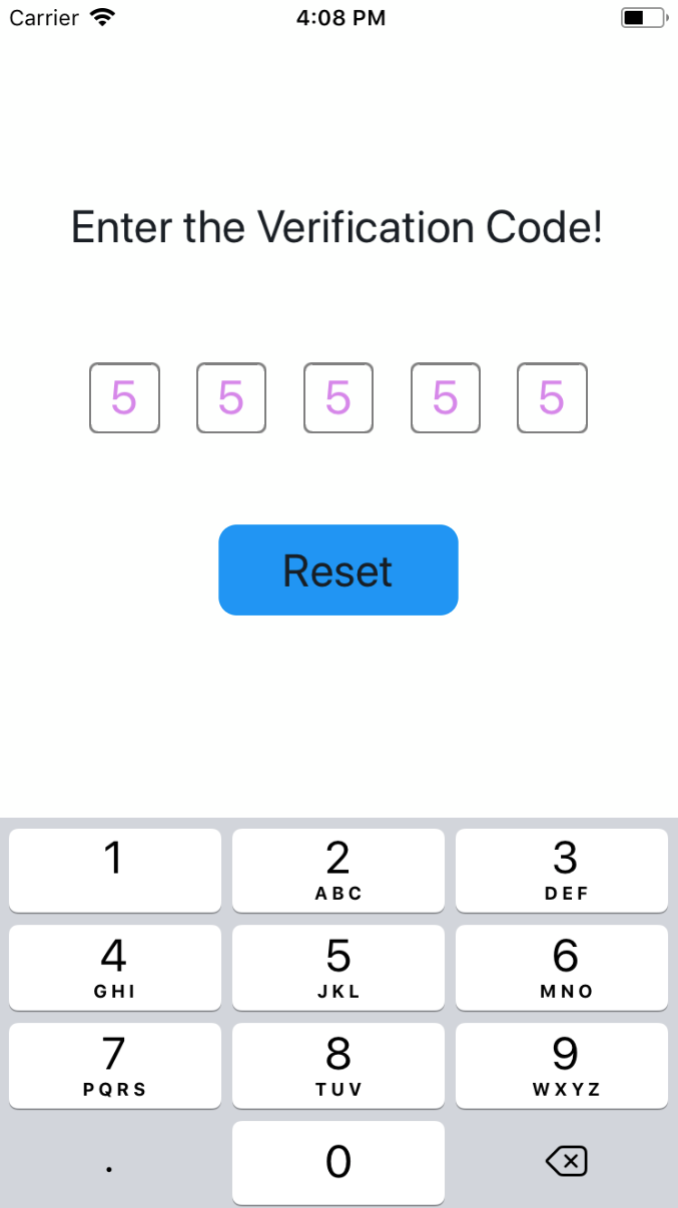
设置文本的样式
import SMSVerifyCode from 'react-native-sms-verifycode'
...
<SMSVerifyCode
  verifyCodeLength={5}
  codeFontSize={26}
  // codeFontColor={'#89C047'}
/>
... 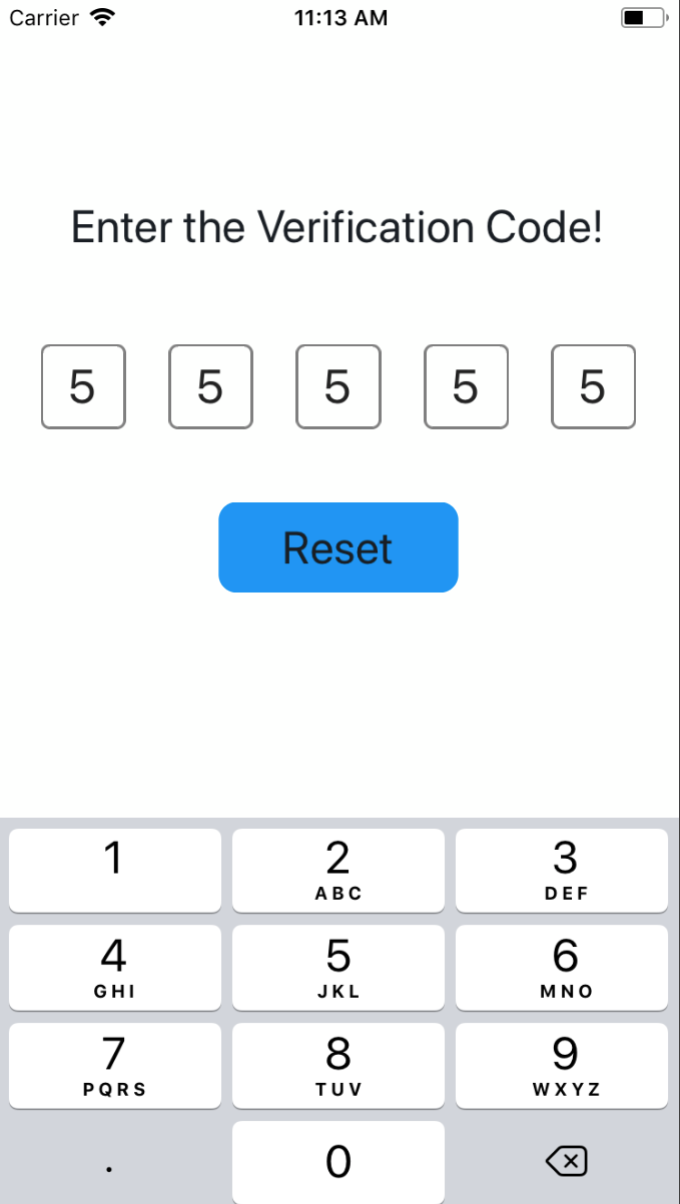 |
 |
 |
|---|
Properties
| Prop | PropType | Default Value | isRequired | Description |
|---|---|---|---|---|
| verifyCodeLength | number | 6 | NO | 验证码的个数 |
| containerPaddingVertical | number | 0 | NO | 外层容器的paddingVertical |
| containerPaddingHorizontal | number | 根据验证码个数自动计算 | NO | 外层容器的paddingHorizontal |
| containerBackgroundColor | string | #FDFFFD | NO | 外层容器的backgroundColor |
| codeBorderColor | string | grey | NO | 文本框的颜色 |
| codeFocusedBorderColor | string | #1192F6 | NO | 当前获得焦点的文本框的颜色 |
| codeViewWidth | number | 根据验证码个数自动计算 | NO | 文本框的宽度 |
| codeBorderWidth | number | 1 | NO | 文本框的粗细 |
| codeBorderRadius | number | 5 | NO | 文本框的圆角大小 |
| codeFontSize | number | default | NO | 文本的大小 |
| codeFontColor | string | #222222 | NO | 文本的颜色 |
| secureTextEntry | boolean | false | NO | 默认为false,需要设置为true时,只要secureTextEntry即可,不需要secureTextEntry={true} |
APIs
| Name | isRequired | Description |
|---|---|---|
| onInputCompleted | NO | 输入完成时,回调的方法 |
| reset | NO | 清空输入的内容,并将焦点设置在第一个输入框,使用ref调用 |