
Package Exports
- react-native-sms-verifycode
This package does not declare an exports field, so the exports above have been automatically detected and optimized by JSPM instead. If any package subpath is missing, it is recommended to post an issue to the original package (react-native-sms-verifycode) to support the "exports" field. If that is not possible, create a JSPM override to customize the exports field for this package.
Readme
中文版
Screen Capture
Support for entering passwords, compatible with iOS and Android
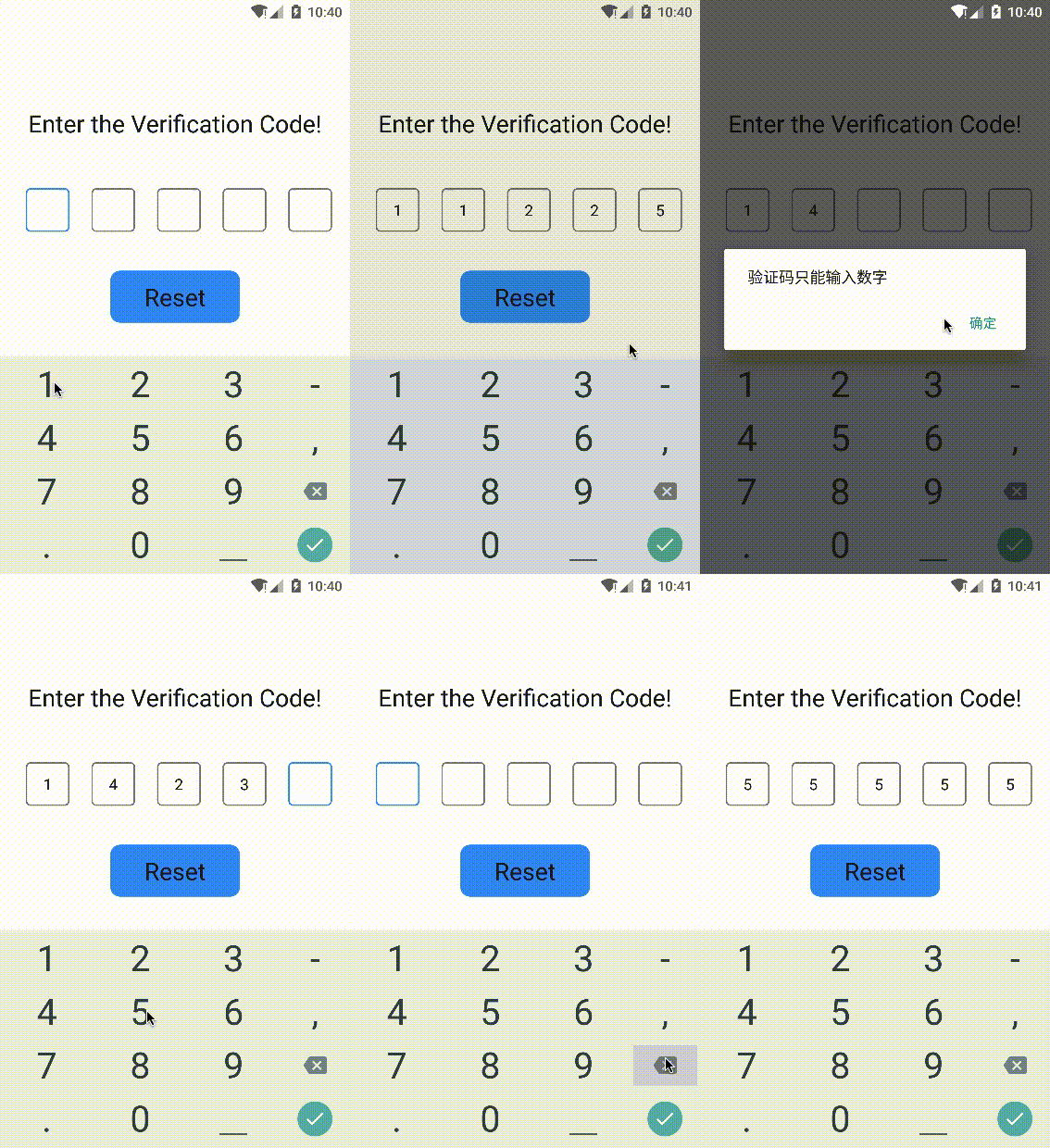 |
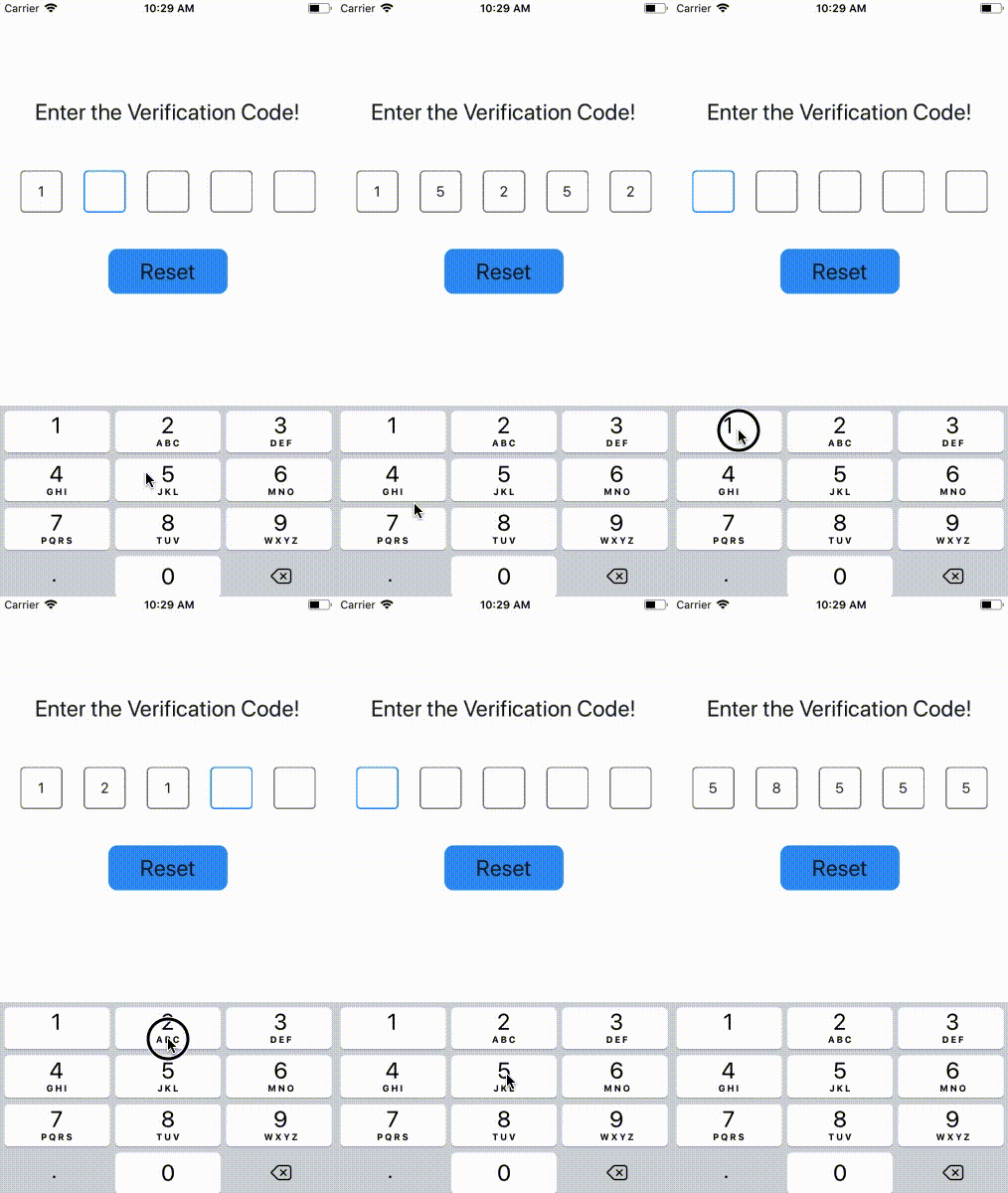 |
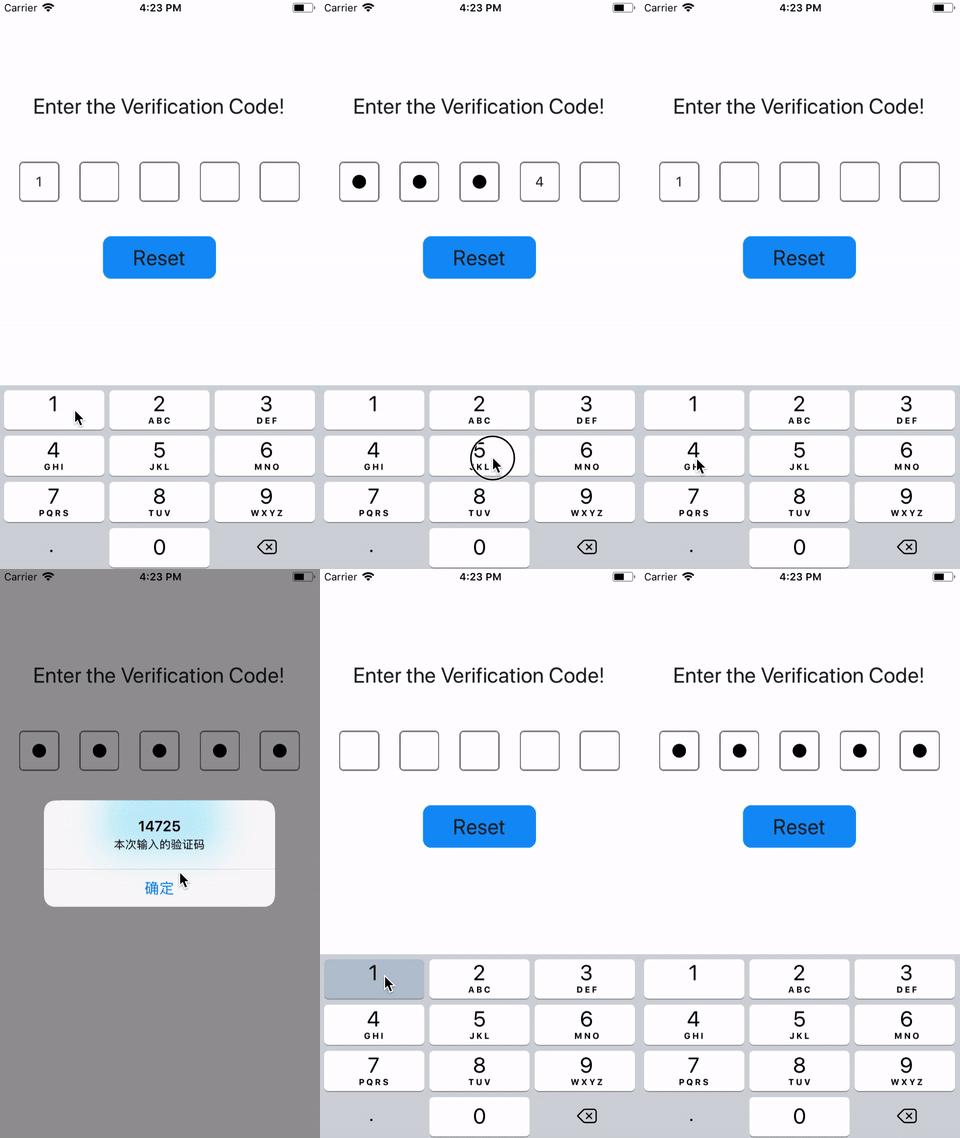 |
|---|---|---|
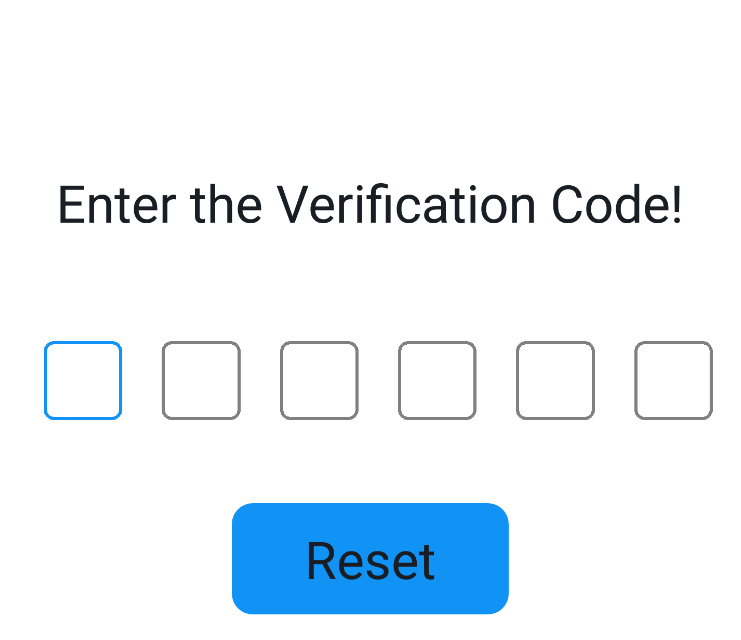
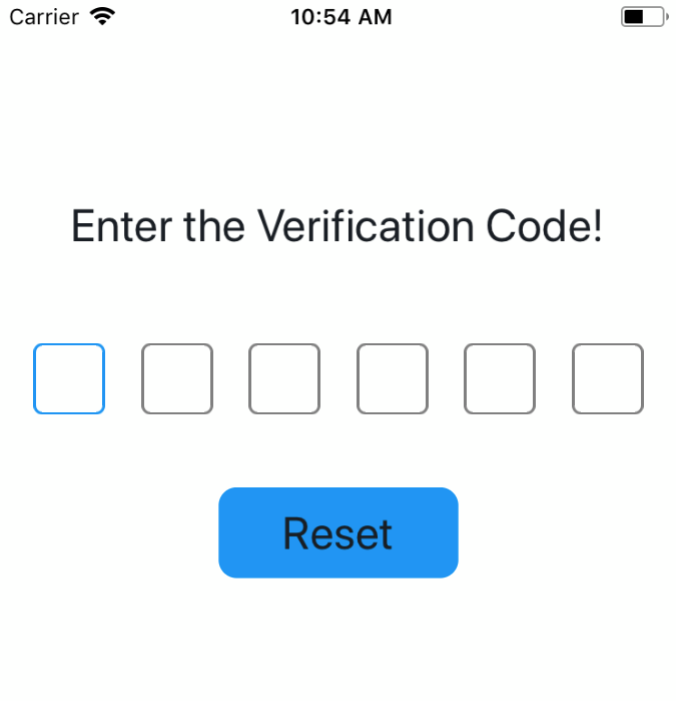
| on Android | on iOS | use Password |
The design idea is probably like this, showing an excellent hand drawing 🙈 🙈 🙈
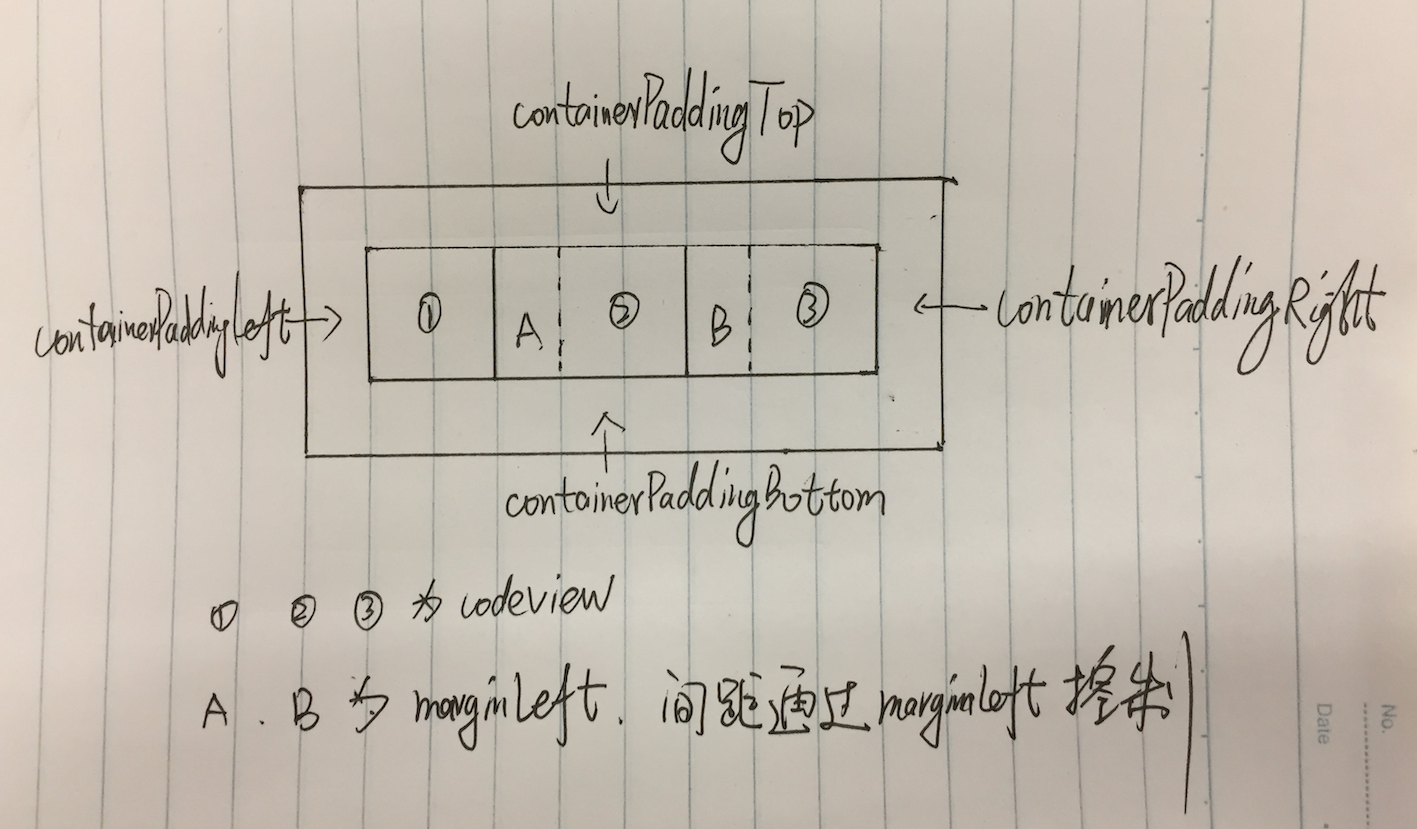
Installation
$ npm install react-native-sms-verifycode --saveUsage
Basic Usage
Set the callback function when the input is complete, you can get the content input by the user.
import SMSVerifyCode from 'react-native-sms-verifycode'
...
<SMSVerifyCode
  ref={ref => (this.verifycode = ref)}
  onInputCompleted={this.onInputCompleted}
  containerPaddingHorizontal={30}
/>

onInputCompleted = (text) => {
    Alert.alert(
      text,
      '本次输入的验证码',
      [
      	{
          text: '确定',
        },
      ]
    )
}

reset = () => {
    this.verifycode.reset()
    this.setState({codeText: ''})
}
...  |
 |
 |
|---|
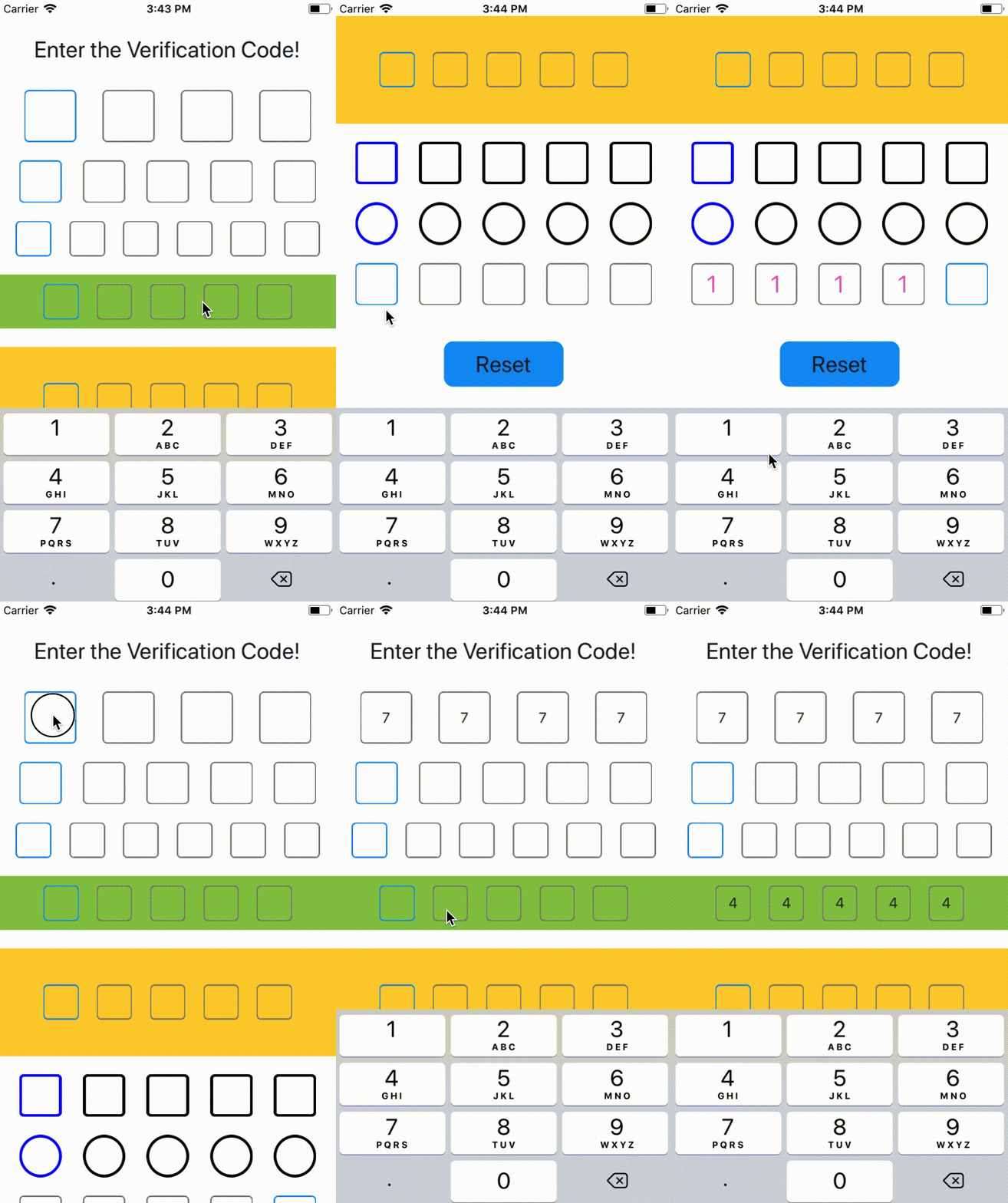
Advanced Usage
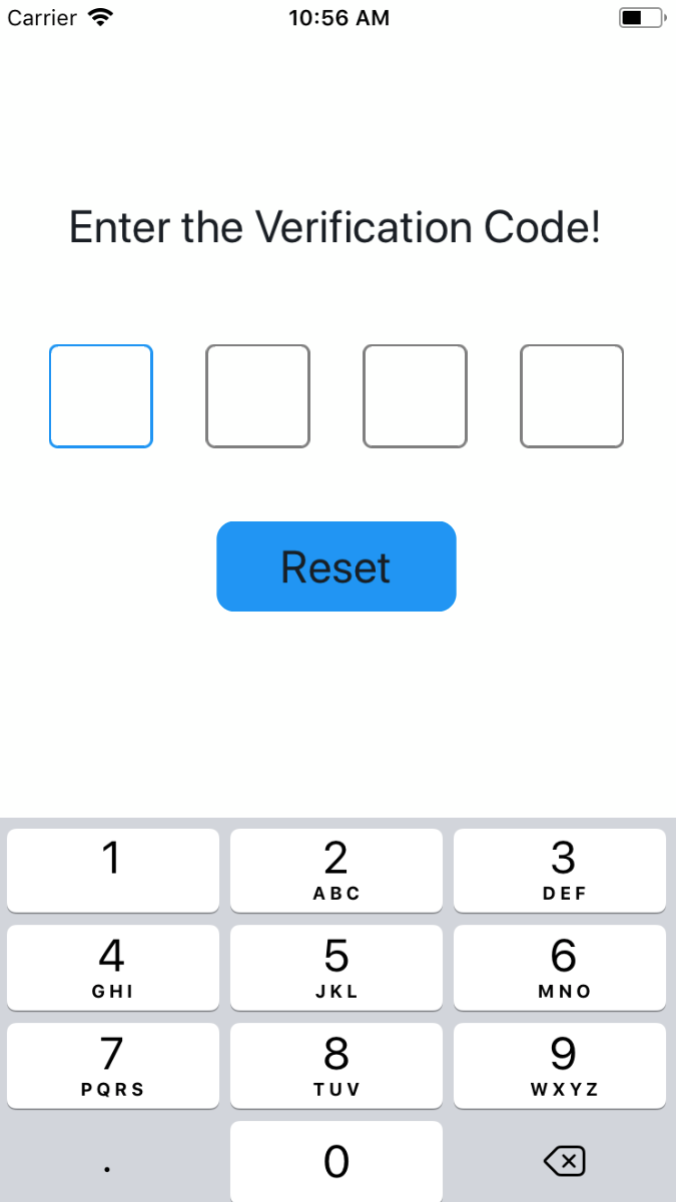
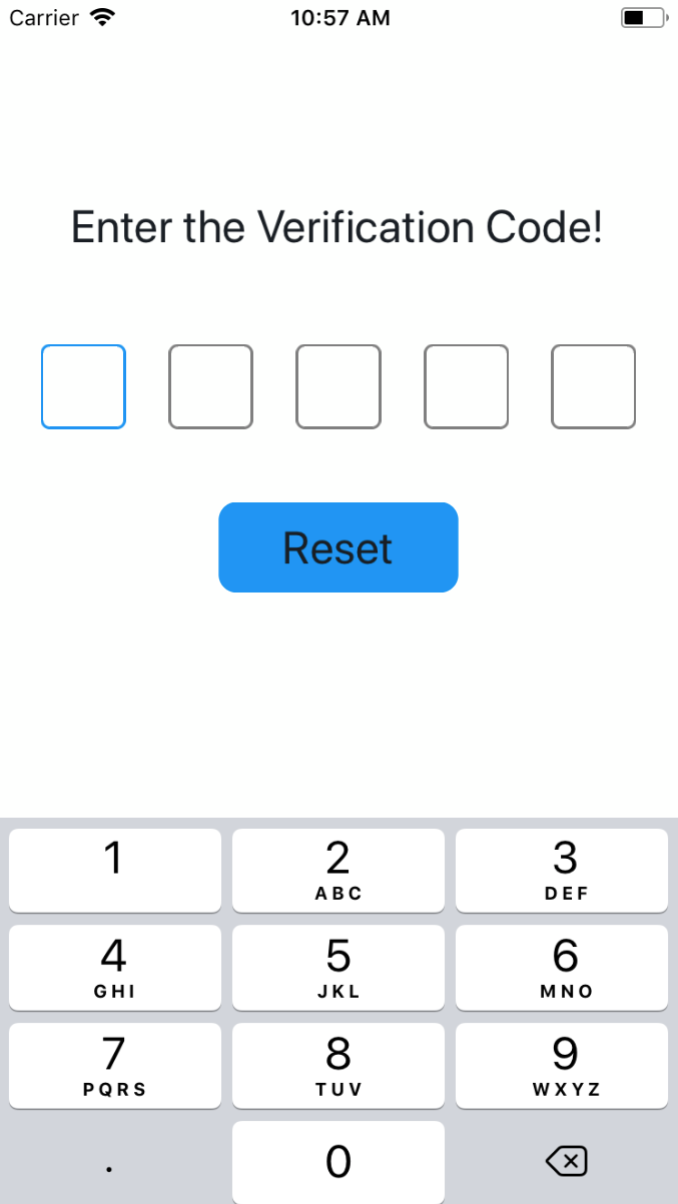
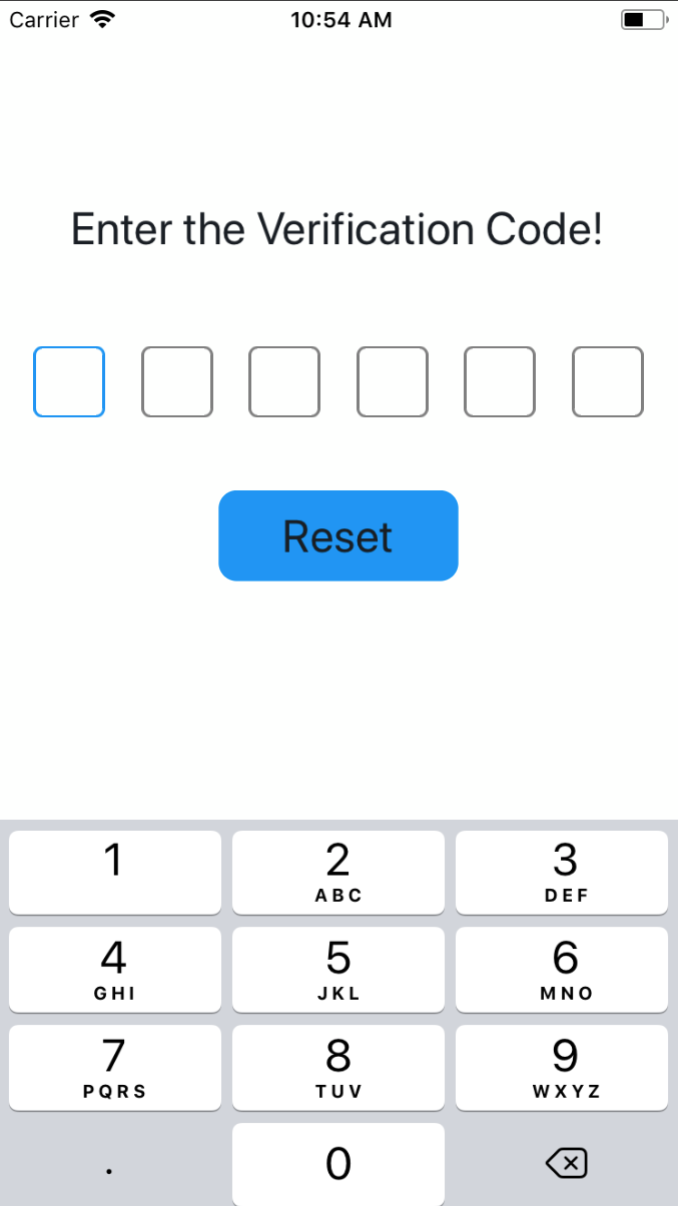
Set the length of the verification code
import SMSVerifyCode from 'react-native-sms-verifycode'
...
<SMSVerifyCode
  verifyCodeLength={4} // Set any number as needed, type must be number
/> |
 |
 |
|---|
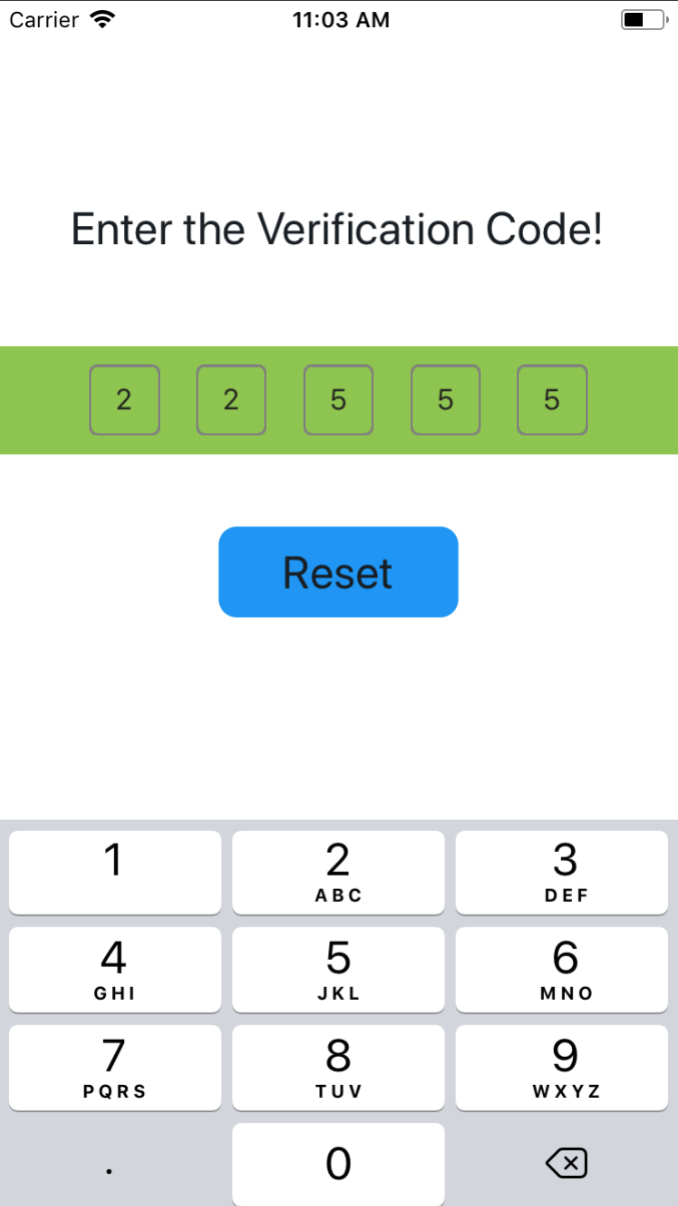
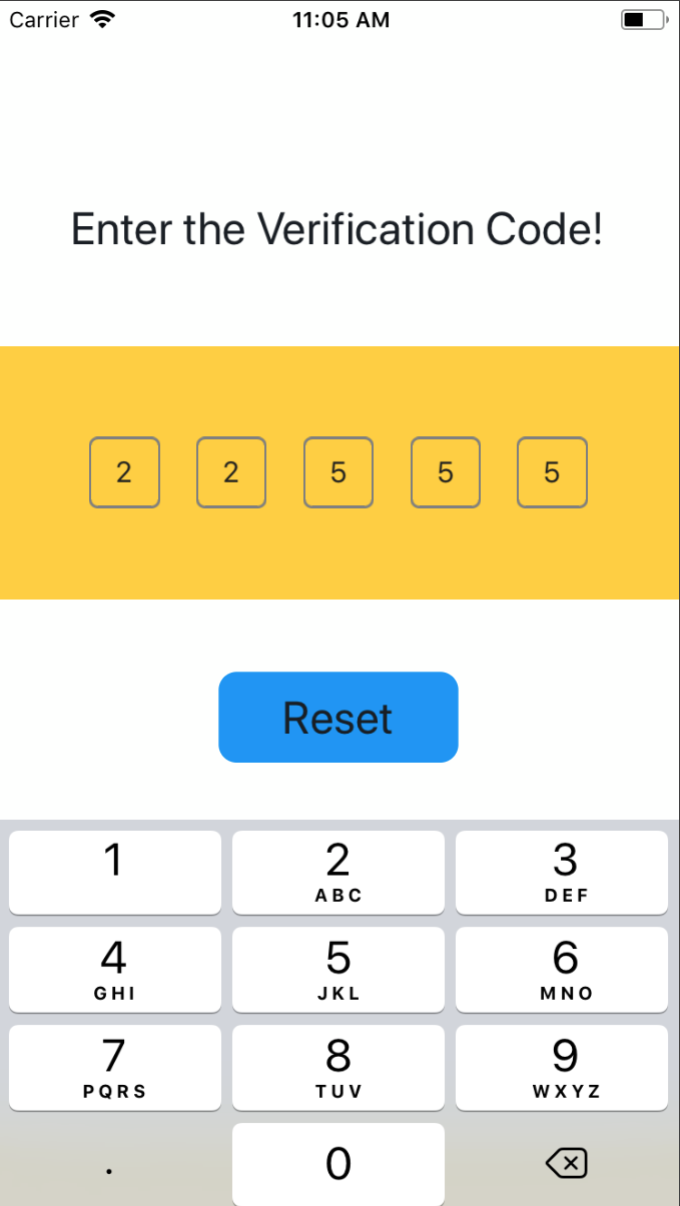
Set Container's style
import SMSVerifyCode from 'react-native-sms-verifycode'
...
<SMSVerifyCode
  verifyCodeLength={5}
  containerPaddingVertical={10}
  containerPaddingHorizontal={50}
  containerBackgroundColor={'#8DC647'}
/>
... 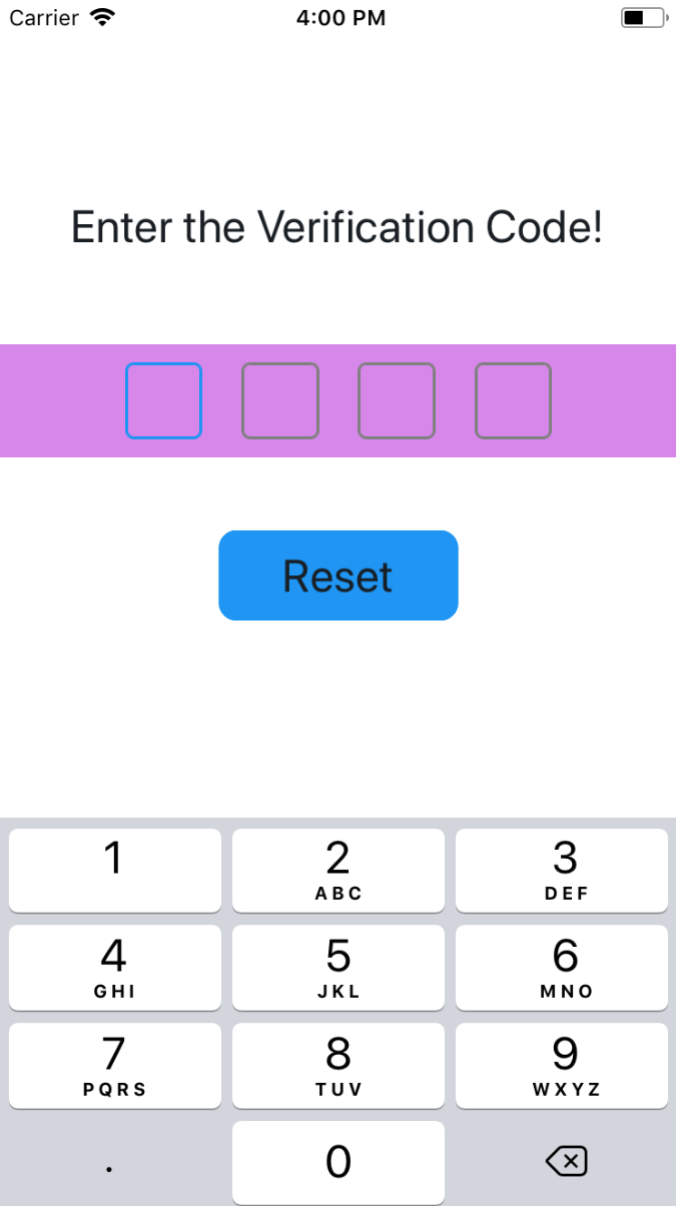 |
 |
 |
|---|
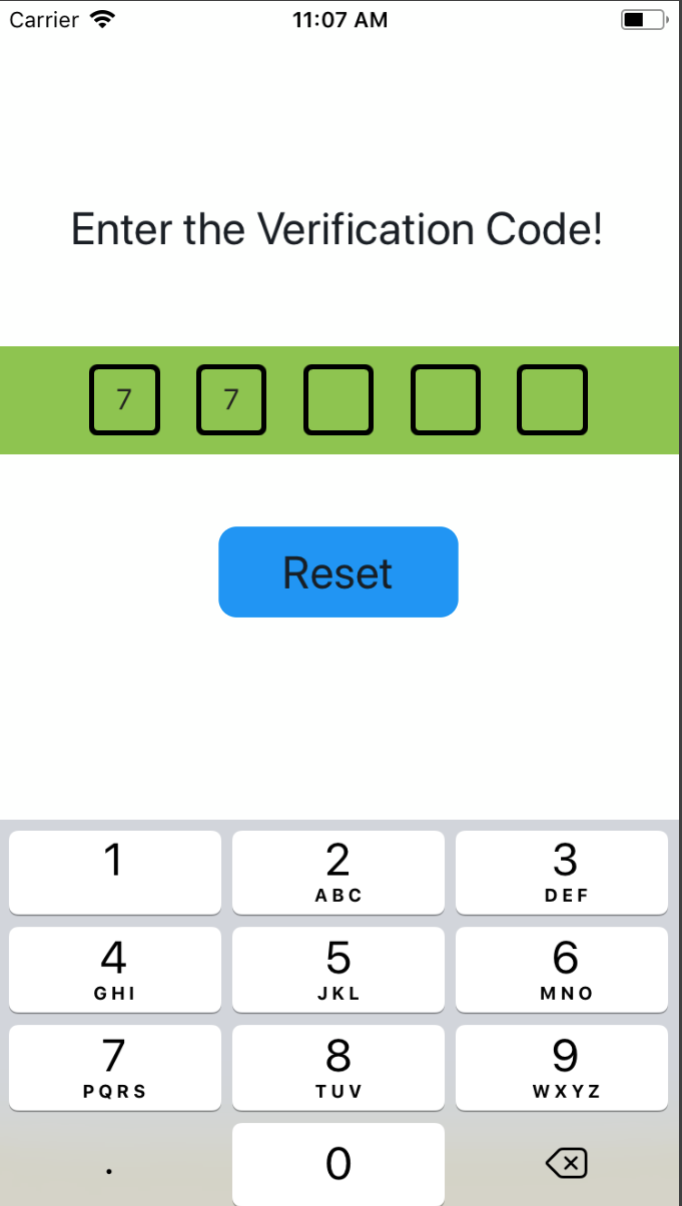
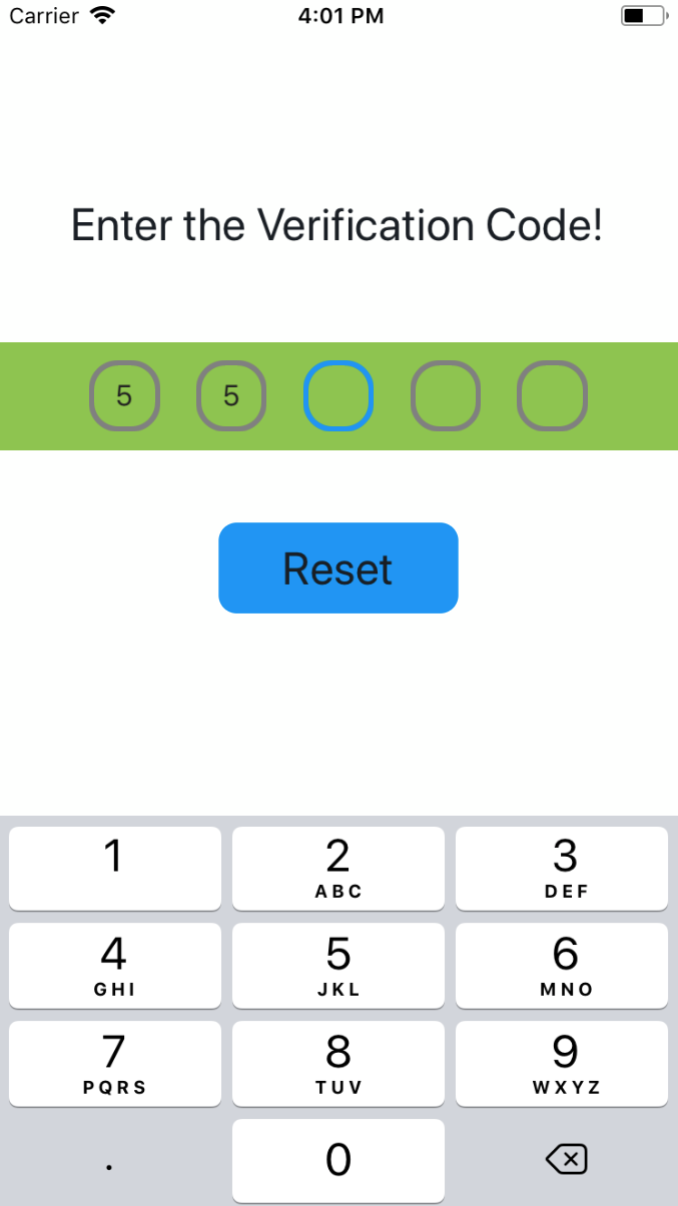
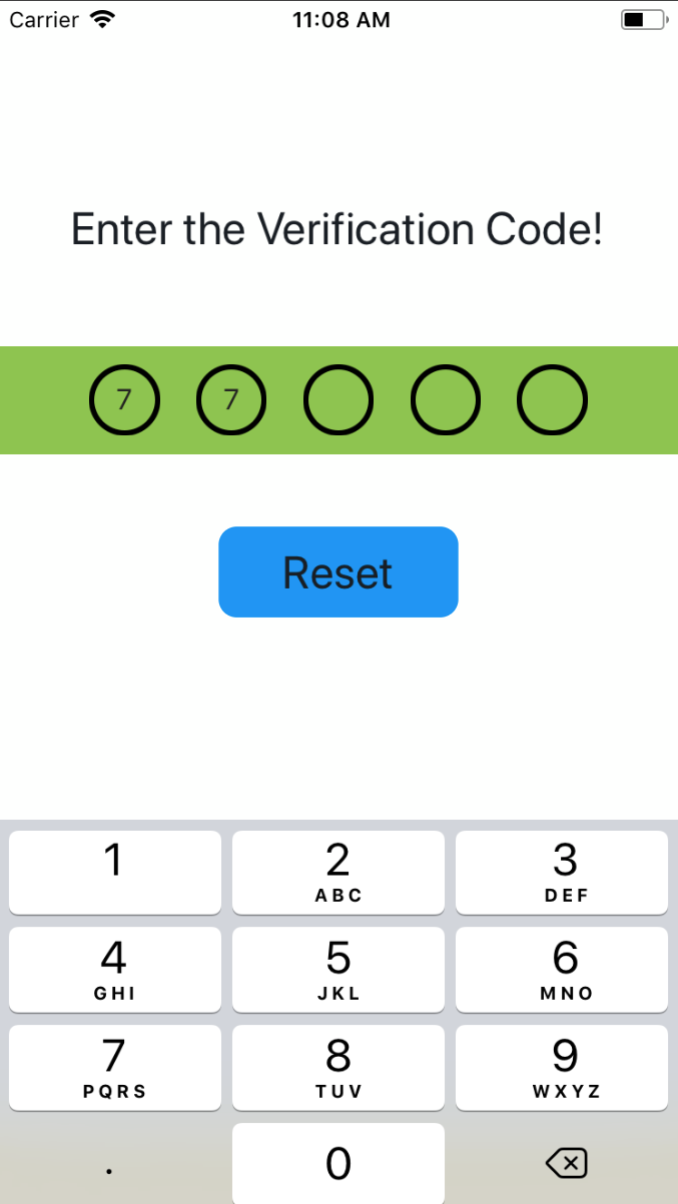
Set code view style
import SMSVerifyCode from 'react-native-sms-verifycode'
...
<SMSVerifyCode
  verifyCodeLength={6}
  containerPaddingVertical={10}
  containerPaddingHorizontal={50}
  containerBackgroundColor="#8DC647"
  codeViewBorderColor="#000000"
  focusedCodeViewBorderColor="#0000FF"
  codeViewBorderWidth={3}
  codeViewBorderRadius={16}
/>
...  |
 |
 |
|---|
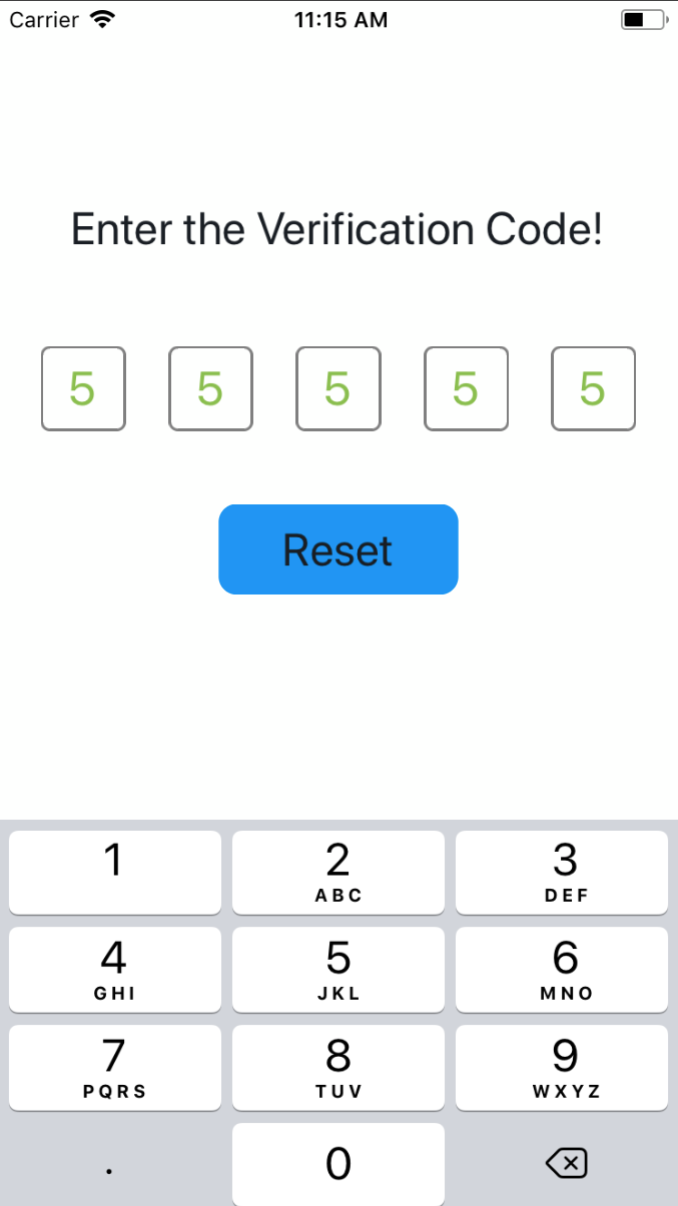
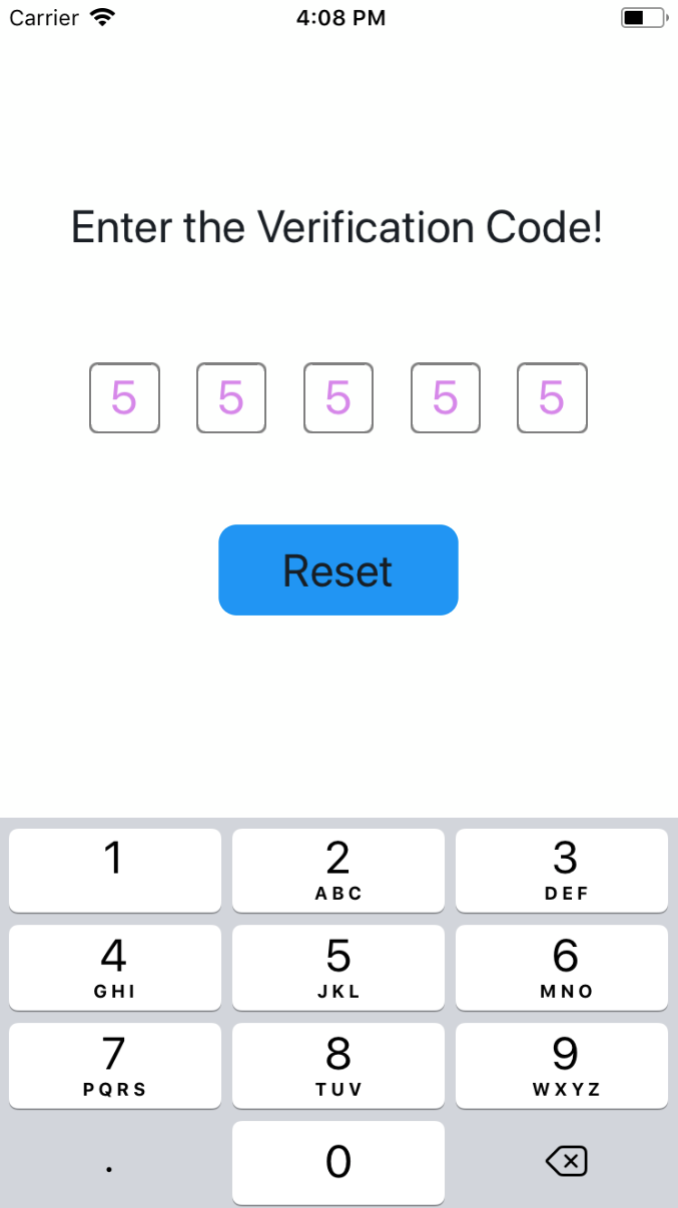
Set code style
import SMSVerifyCode from 'react-native-sms-verifycode'
...
<SMSVerifyCode
  verifyCodeLength={5}
  codeFontSize={26}
  // codeColor={'#89C047'}
/>
... 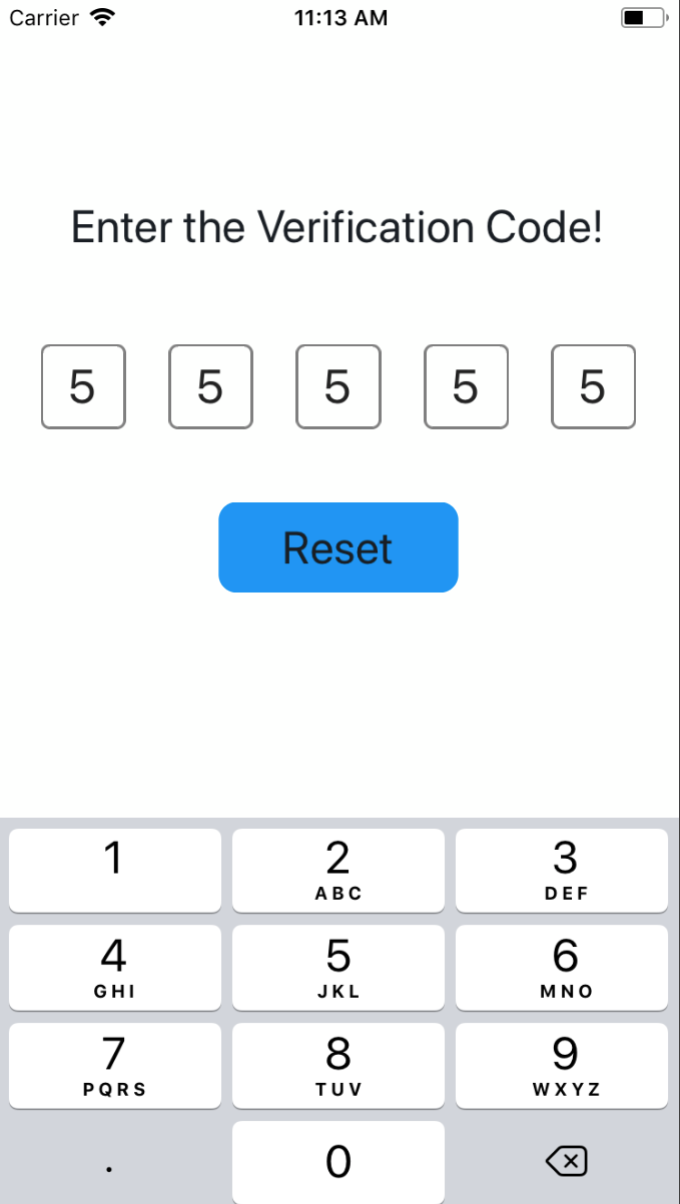 |
 |
 |
|---|
Properties
| Prop | PropType | Default Value | isRequired | Description |
|---|---|---|---|---|
| autoFocus | bool | false | NO | Whether to automatically get the focus by default |
| verifyCodeLength | number | 6 | NO | length of the verification code |
| containerStyle | object | null | NO | set container style |
| containerPaddingVertical | number | 0 | NO | container's paddingVertical |
| containerPaddingLeft | number | 0 | NO | set container paddingLeft |
| containerPaddingRight | number | 0 | NO | set container paddingRight |
| containerPaddingHorizontal | number | Automatic calculation based on the length of the verification code | NO | container's paddingHorizontal |
| containerPaddingLeft | number | 0 | NO | set container paddingLeft |
| containerPaddingRight | number | 0 | NO | set container paddingRight |
| containerBackgroundColor | string | #FDFFFD | NO | container's backgroundColor |
| codeViewStyle | object | null | NO | set code view style |
| codeViewWidth | number | Automatic calculation based on the length of the verification code | NO | width of code view |
| codeViewBorderColor | string | grey | NO | color of code view border |
| focusedCodeViewBorderColor | string | #1192F6 | NO | The color of the currently focused text box |
| codeViewBorderWidth | number | 1 | NO | width of code view border |
| codeViewBorderRadius | number | 5 | NO | radius of code view border |
| codeViewBackgroundColor | string | default | NO | code view background color |
| codeFontSize | number | default | NO | code font size |
| codeColor | string | #222222 | NO | color of code |
| secureTextEntry | boolean | false | NO | Set to true when entering a password,default is false |
| coverStyle | object | null | NO | cover style |
| coverRadius | number | codeFontSize / 2 | NO | cover radius |
| coverColor | string | black | NO | cover color |
| warningTitle | string | black | NO | When the input content is not a number, the title of the prompt box |
| warningContent | string | black | NO | When the input content is not a number, the content of the prompt box |
| warningButtonText | string | black | NO | When the input content is not a number, the button text of the prompt box |
APIs
| Name | isRequired | Description |
|---|---|---|
| onInputCompleted | NO | Callback method when input is complete |
| reset | NO | Clear the input and set the focus to the first input box, call using ref |
| blur | NO | Hide the keyboard, call using ref |
| focus | NO | Display keyboard, call using ref |