
Package Exports
- taichi.js
- taichi.js/dist/taichi.js
- taichi.js/dist/taichi.umd.js
This package does not declare an exports field, so the exports above have been automatically detected and optimized by JSPM instead. If any package subpath is missing, it is recommended to post an issue to the original package (taichi.js) to support the "exports" field. If that is not possible, create a JSPM override to customize the exports field for this package.
Readme
taichi.js
taichi.js is a modern GPU computing framework for Javascript. It transforms Javascript functions into WebGPU Compute Shaders for massive parallelization. It is a Javascript version of the Python library Taichi.
Zoo
On Chrome v98+, visit https://taichi-js.com to see taichi.js in action. The webpage provides an interactive code editor that allows you to write, compile, and run taichi code.
Sample Program
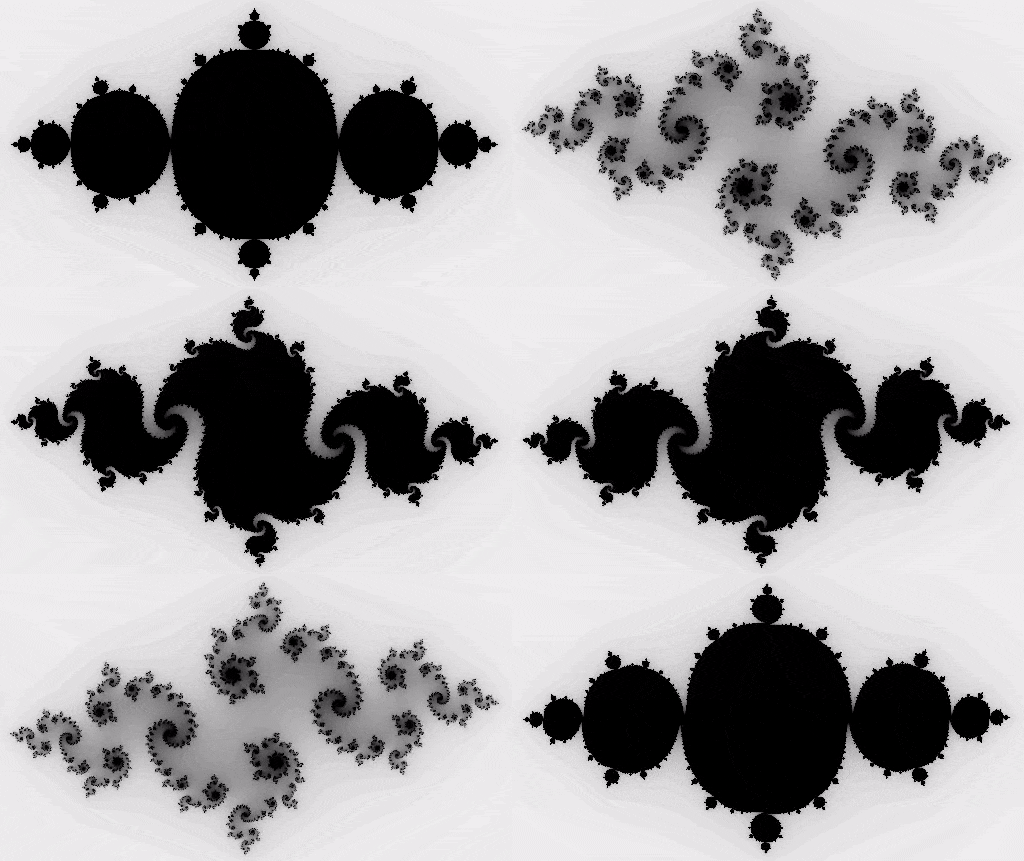
Provided that there exists a HTML canvas with id result_canvas, the following Javascript code will compute and animate a Julia Set fractal using WebGPU:
let fractal = async () => {
    await ti.init()

    let n = 320
    let pixels = ti.Vector.field(4, ti.f32,[2*n, n])

    let complex_sqr = (z) => {
        return [z[0]**2 - z[1]**2, z[1] * z[0] * 2]
    }

    ti.addToKernelScope({pixels, n, complex_sqr})

    let kernel = ti.kernel(
        (t) => {
            for(let I of ndrange(n*2,n)){ // Automatically parallelized
                let i = I[0]
                let j = I[1]
                let c = [-0.8, cos(t) * 0.2]
                let z = [i / n - 1, j / n - 0.5] * 2
                let iterations = 0
                while( z.norm() < 20 && iterations < 50 ){
                    z = complex_sqr(z) + c
                    iterations = iterations + 1
                }
                pixels[i,j] = 1 - iterations * 0.02
                pixels[i,j][3] = 1
            }
        }
    )

    let htmlCanvas = document.getElementById("result_canvas")
    htmlCanvas.width = 2*n
    htmlCanvas.height = n
    let canvas = new ti.Canvas(htmlCanvas)

    let i = 0
    async function frame() {
        kernel(i * 0.03)
        i = i + 1
        canvas.setImage(pixels)
        requestAnimationFrame(frame)
    }
    requestAnimationFrame(frame)
}
fractal()
The canvas will show the following animation:
Set-up
Set-up WebGPU
taichi.js is based on WebGPU, but WebGPU is not publicly available yet. To enable WebGPU, the web browser must be either
Chrome v98+, with a correct WebGPU origin trial token for your host.
The origin trial token should look something like
/*token for 127.0.0.1:8080*/
<meta http-equiv="origin-trial" content="AmLeIKgIO7v4LsGlggOO+uPfu+0GtBaIufDglDXjaD3phTLW7aH6OrNqfgx67gTCplF0JnRVrI/xXOpFRACrLwIAAABJeyJvcmlnaW4iOiJodHRwOi8vMTI3LjAuMC4xOjgwODAiLCJmZWF0dXJlIjoiV2ViR1BVIiwiZXhwaXJ5IjoxNjUyODMxOTk5fQ==">
Chrome Canary, Firefox Nightly, or Safary Technology Preview
Using taichi.js in your webpage
- Clone the github repo, or
npm install taichi.js - Locate
zoo/ti.js, and include it in your html.<script src="/path/to/ti.js"></script>