
Package Exports
- daisyui
This package does not declare an exports field, so the exports above have been automatically detected and optimized by JSPM instead. If any package subpath is missing, it is recommended to post an issue to the original package (daisyui) to support the "exports" field. If that is not possible, create a JSPM override to customize the exports field for this package.
Readme

Tailwind CSS Components
Adds component classes like btn, card and more to Tailwind CSS

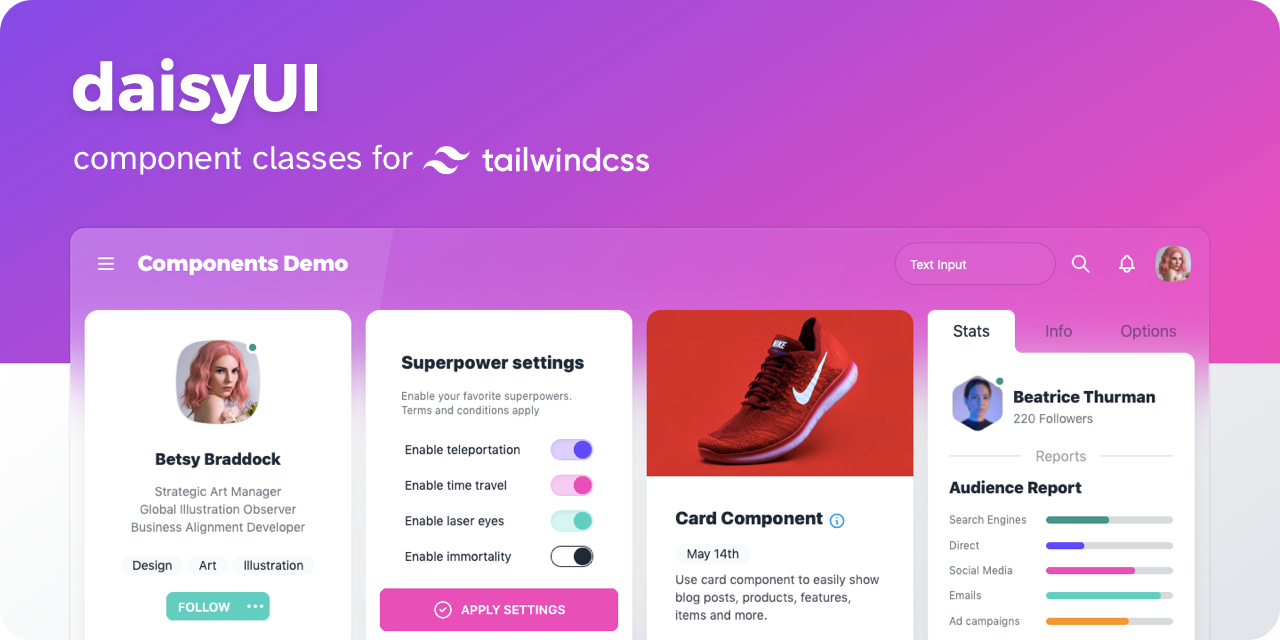
daisyUI
- 👉 [ See all components ]
- 📘 Documents: daisyui.com
- 🎲 Try it online: Tailwind Play | Codepen
- 📦 Source: GitHub | NPM | Unpkg | JSdeliver | cdnjs
🌼 Features
show / hide
- Tailwind CSS plugin
daisyUI is a Tailwind CSS plugin. Install it and add it to yourtailwind.config.jsfile. - Component classes
Adds component classes to Tailwind. Classes likebtn,card,… So you will end up with a cleaner HTML. - Semantic color names
Adds color names likeprimary,secondary,accent,…. - Customizable
You can customize the design of components with Tailwind utility classes and CSS variables. - Themeable
Add multiple themes and customize colors. You can even set a theme for a specific section of your page. - RTL supported
Enablertlconfig for right to left layouts. - Pure CSS
No script file, no dependencies. Works on all frameworks and environments!
📀 Install now!
npm i daisyuiThen add daisyUI to your tailwind.config.js
[ Read more ]
module.exports = {

  plugins: [
    require('daisyui'),
  ],

}
Or use a CDN
Loading CSS files from CDN is not recommended for production. It's better to install Tailwind and daisyUI as Nodejs dependencies so you can config/customize everything, and purge unused styles.*
<link href="https://cdn.jsdelivr.net/npm/daisyui@1.14.7/dist/full.css" rel="stylesheet" type="text/css" />
<link href="https://cdn.jsdelivr.net/npm/tailwindcss@2.2/dist/tailwind.min.css" rel="stylesheet" type="text/css" />
🚀 Use
Use component classes to build your UI.
<a class="btn">Hello!</a><input type="checkbox" class="checkbox"/><input type="checkbox" class="toggle"/><div class="alert alert-success">
Message sent successfully
</div>👉 See all components
🎲 Try it online
📘 Documents + Examples
See the official site:
[ daisyui.com ↗︎ ]
🤝 Contributing
Read the documents for more info:
[ Read contribution guide ]
List of Components
show / hide
- Alert
- Artboard
- App bar
- Avatar
- Avatar group
- Badge
- Banner
- Breadcrumb
- Button
- Button group
- Calendar
- Carousel
- Card
- Chat bubble
- Collapse (Accordion)
- Comment
- Countdown
- Cover
- Divider
- Drawer
- Empty placeholder
- Footer
- Form
- Select
- Text input
- Text area
- Checkbox
- Radio
- Range slider
- Rating
- Toggle
- Upload
- Hero
- Indicator
- Kbd
- Link
- Loading
- Menu
- Mockup
- Browser
- Code
- Phone
- Window
- Navbar
- Mask
- Modal
- Pagination
- Progress
- Stack
- Stat
- Steps
- Tag
- Table
- Tabs
- Timeline
- Toast
- Tooltip
- Treeview
Featured on:
show / hide
- Blogs
- Youtube videos
- Courses
༼ つ ◕_◕ ༽つ Please share